
Products
To Stop or Not Stop is the ?

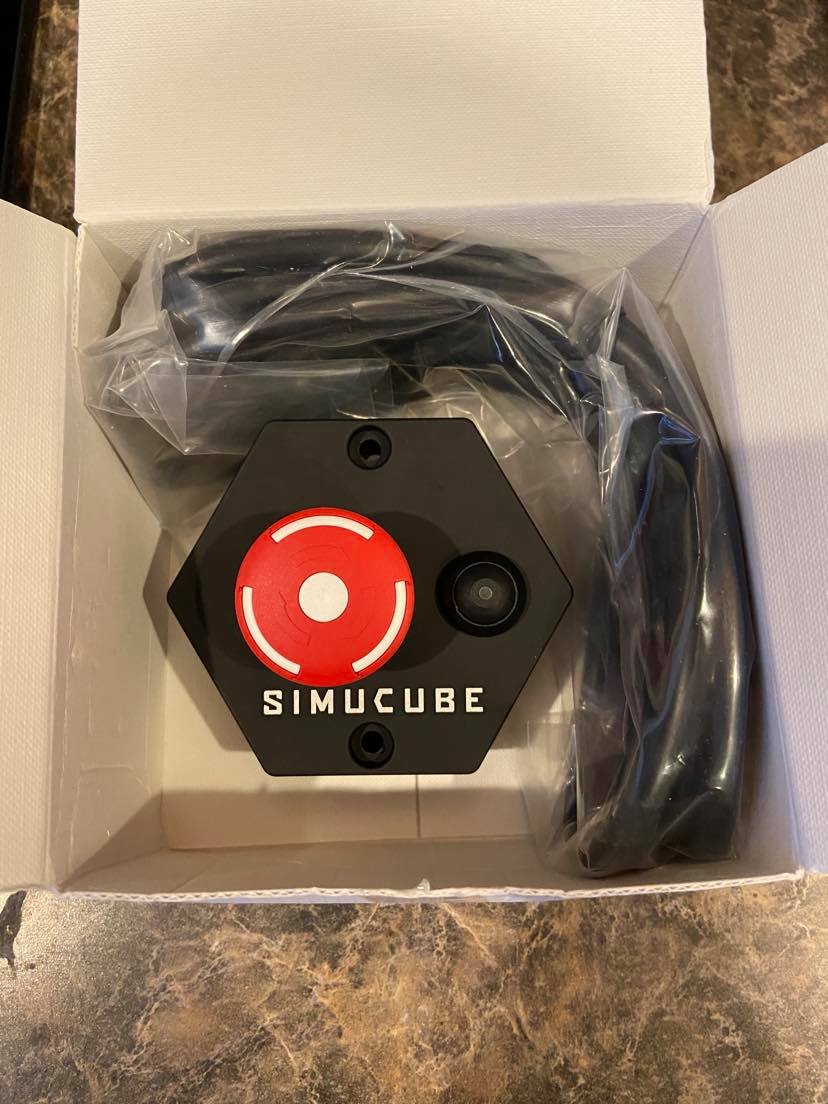
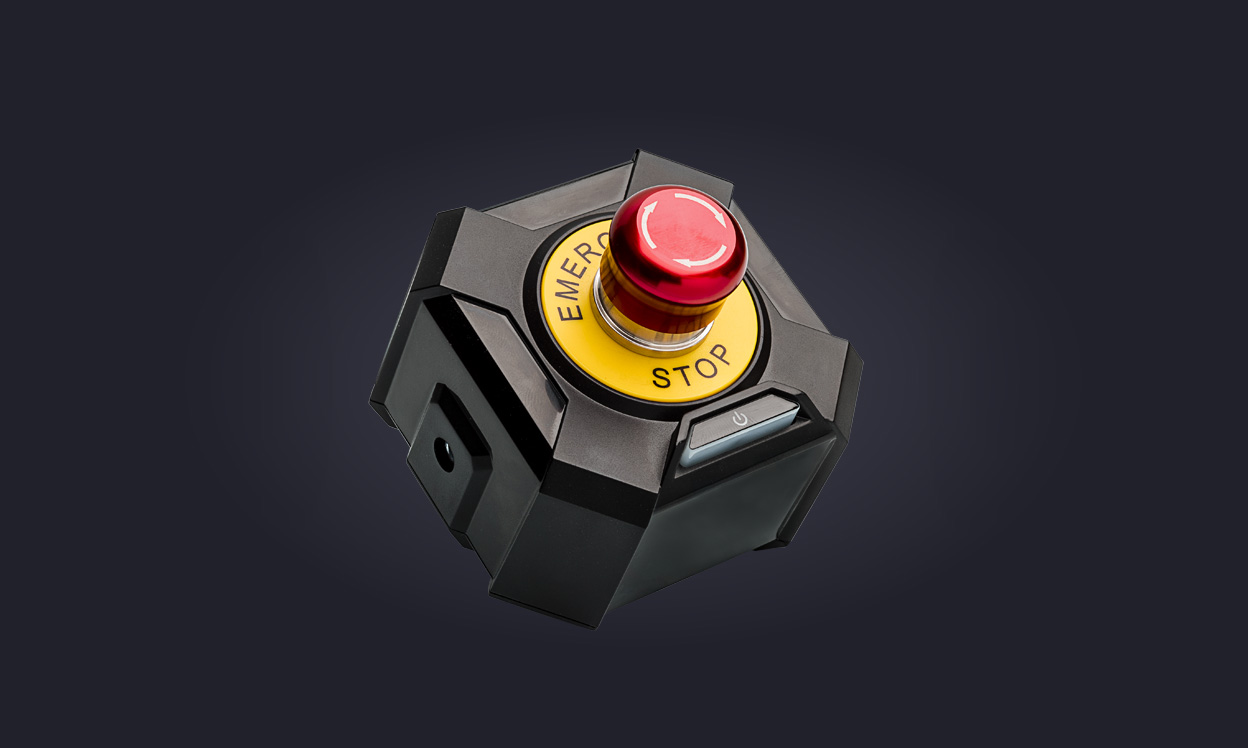
E-Stops, and why we need them. Both the Simucube 2 Sport and Pro come with a basic E-Stop Torque off button. For Fanatec, the DD1 does not come with an E-Stop, but it’s offered as an accessory from the Fanatec Shop. The DD2 does come with a Premium E-Stop which differs in the aspect that it offers an On/Off button to control the power of the motor base itself. This gives the driver convenience as opposed to having to reach behind your motor base to turn it off when needed. This can be especially important for drivers who have their rigs setup with the monitors overlapping their wheelbase, which can make it hard to reach the bases backside.
There are many arguments as far as where the E-Stop should be placed on the rig. Some say it has to be by your leg, so you can turn hit the button with the side of your knee in an emergency. I prefer to have it mounted to a length of profile on my right side. If the wheel becomes erratic, I’m going to let go, which allows me to use my right hand to hit the E-Stop button. There’s no right/wrong answer. It’s whatever each individual driver prefers.
As far as what version of E-Stop button should you choose? Well, that’s up to you. There is a cost difference for the Simucube variants. The basic model is included in the Sport and Pro, and the Premium is standard in the Ultimate and optional to purchase for those who own a Sport or Pro. The Premium has predrilled holes for mounting that accept M4 bolts with approximate lengths of 25mm to 30mm depending on what size profile you’re mounting to. You’ll need two M4 T-Nuts to install it into the profile. I personally prefer the Premium version along with the standard version that comes with the DD2, since they have the on/Off button. This makes shutdown at the end of an evening of racing, much easier.
Whichever way you decide to go, make sure you get/install one regardless. You’ll need it at some point in your racing ventures.
https://fanatec.com/us-en/accessories/wheel-base-accessories/podium-kill-switch?a_aid=sksimracing






I noticed something recently.
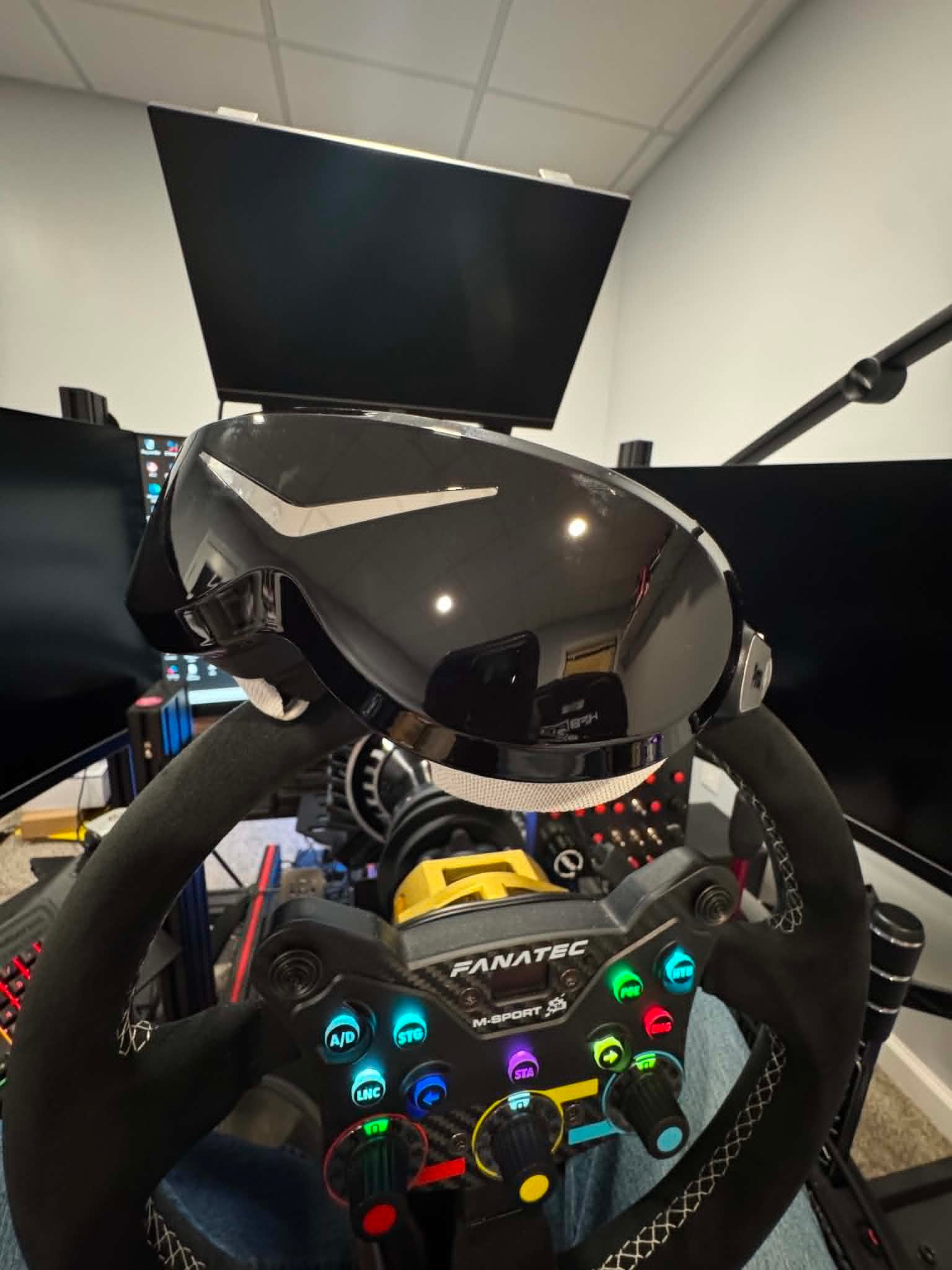
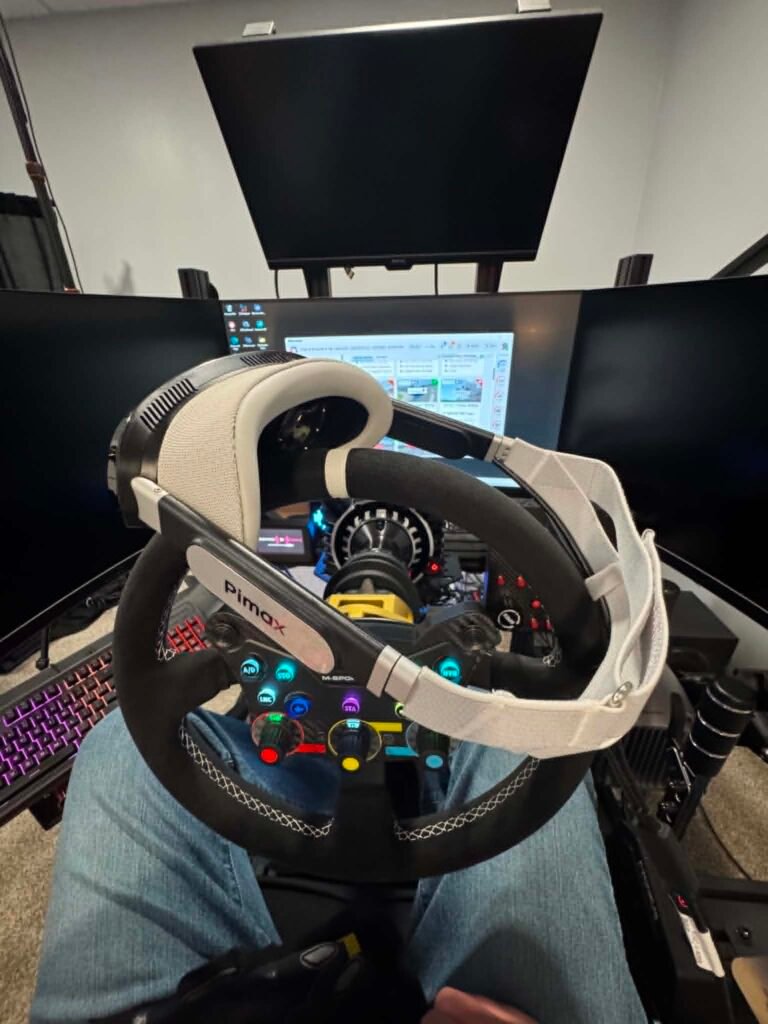
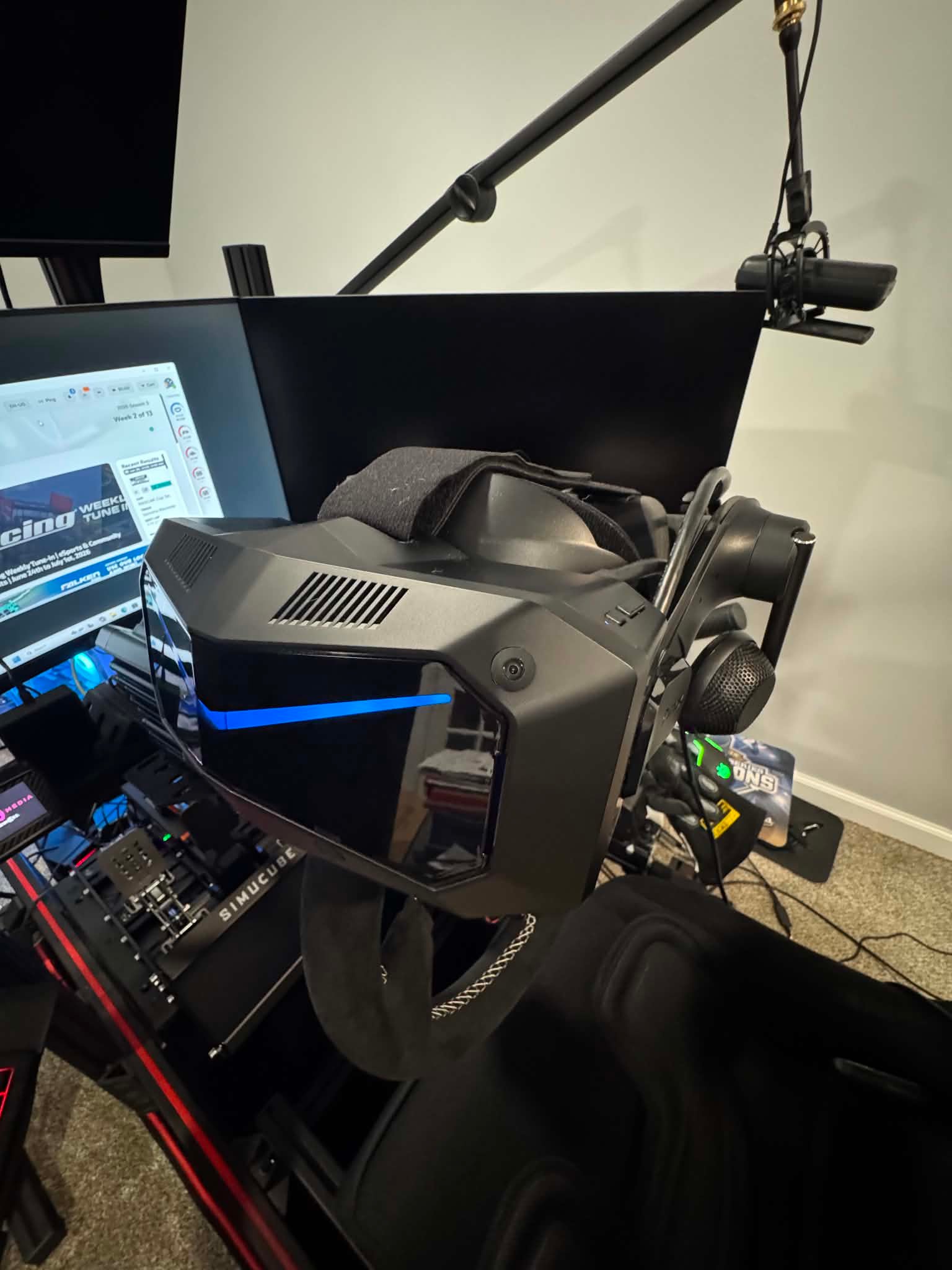
Since getting the Pimax Dream Air, I haven’t wanted to use a monitor for iRacing.
What’s interesting is that I never made a conscious decision to switch completely to VR. It just happened. Every time I sat down to race, I reached for the Dream Air. After a few weeks, I realized the monitor was no longer part of the decision at all.
That surprised me.
For years, VR has offered a level of immersion that monitors simply can’t match. But monitors were usually easier to live with. They were more comfortable for long sessions, you could see your wheel and button boxes, and you didn’t have to wear a headset for hours at a time.
The Dream Air doesn’t eliminate every downside of VR.
What it does do is remove enough of them that I no longer find myself deciding between VR and a monitor. I just race in VR.
To me, that’s far more significant than any spec-sheet upgrade.
The Real Problem With VR Was Never Immersion
VR has always had one major advantage over monitors: depth perception.
You can judge distances more naturally, place your car with greater confidence, and look through corners the same way you would in a real car. It gives you a sense of space that even the best triple-screen setup can’t fully recreate.
The problem was everything else.
Previous generations of headsets often came with compromises. Some lacked clarity in the distance, others had a small sweet spot in the lenses, and many became tiring during longer races. The usual solution was to add bigger displays and better optics, which often resulted in larger and heavier headsets.
That trade-off mattered.
A headset could feel incredible for thirty minutes, then leave you wanting to take it off before the race was over.
What makes the Dream Air stand out is that it tackles both image quality and comfort at the same time.
Why Dream Air Changed It for Me
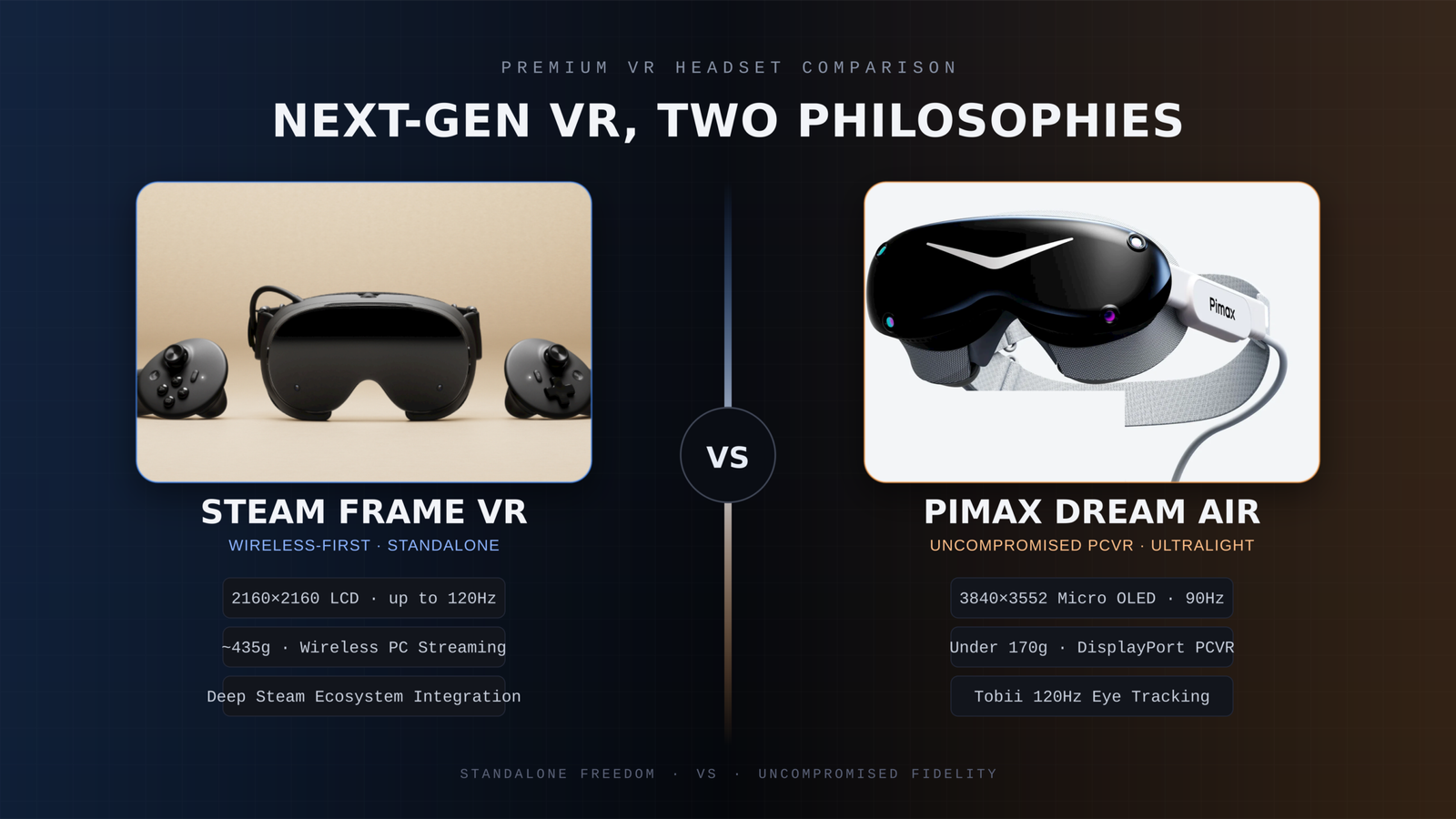
The Dream Air combines Micro OLED displays with a resolution of 3840 × 3552 pixels per eye, eye tracking, automatic IPD adjustment, dynamic foveated rendering, and a DisplayPort connection for PCVR.
Those specifications are impressive, but they’re not what changed my experience.
What I notice every time I use the headset is the combination of clarity and weight.
At roughly 170 grams, the Dream Air feels dramatically different from a traditional high-end VR headset. There’s less pressure on your face, less movement when turning your head, and far less fatigue during long sessions.
The image quality matters just as much.
Distant cars are easier to identify. Braking markers stay clear. Cockpit details remain sharp. Instead of searching for visual information, it simply feels like it’s there.
More importantly, that combination changed my behavior.
I never decided to pause using my triple screen setup. I simply kept choosing the Dream Air every time I launched iRacing.
Why Weight Matters More Than People Think
Weight is one of those specs that’s easy to overlook.
To be clear, I’m not saying headsets like the Pimax Crystal Light or Pimax Crystal Super are uncomfortable. They’re outstanding headsets, particularly when it comes to image quality.
But compared with the Dream Air, they’re significantly larger and heavier, and during a long race that difference becomes increasingly noticeable.
The same applies to headsets like the Quest 3.
Weight may seem insignificant during the first few minutes. After an hour or two of racing, it becomes part of the experience. You’re braking hard, fighting the wheel, moving in the seat, and constantly making small head movements. A heavier headset makes all of those movements feel more noticeable.
A lighter headset doesn’t eliminate every limitation of VR, but it can make long sessions far easier and more enjoyable.
That’s where the Dream Air feels different.
The Crystal Light and Crystal Super focus heavily on delivering exceptional visual performance. The Dream Air takes a different approach by prioritizing a compact, lightweight design while still delivering a premium image.
For sim racing, I’ve come to value that more than I expected.
What About Field of View?
The Dream Air doesn’t have the widest field of view available.
Its horizontal field of view sits at around 110 degrees.
Initially, I expected that to bother me. In practice, it hasn’t.
I actually prefer the balance. The image remains sharp, performance is easier to manage, and I still get the sense of depth and spatial awareness that makes VR so compelling.
For sim racing, a wider field of view is certainly beneficial.
But it isn’t everything.
A larger image means very little if achieving it requires sacrificing clarity or frame rate.
A Headset You Actually Want to Use
The Dream Air SLAM version includes inside-out tracking, eye tracking, dynamic foveated rendering, hand tracking, passthrough, integrated audio, and 6DoF controllers.
Features are important, but convenience is what stands out to me.
Like most PCVR headsets, there’s some initial setup involved. Once that’s done, the experience becomes remarkably simple. I sit down, put on the headset, launch iRacing, and start racing.
Pimax Play helps here as well. Most settings and controls are centralized in one place, so I rarely have to think about the headset itself once everything has been configured.
That may sound like a small thing, but it matters.
If using a headset feels like work every time you want to race, you’ll naturally use it less. The best VR headset isn’t necessarily the one with the most impressive specifications. It’s the one you genuinely want to put on.
Triple Screens Still Have Advantages
Traditional monitors still do some things better.
You can see your wheel, keyboard, button boxes, and other hardware. Managing Discord, desktop applications, race management tools, and quick adjustments is often easier on a monitor setup.
VR also demands a capable PC if you want high resolution and consistent performance.
So this isn’t a story about monitors suddenly becoming obsolete.
It’s about the reasons for going back to them becoming less convincing.
Who Is Dream Air For?
The Dream Air makes the most sense for people who love the idea of VR but have always disliked the compromises.
Maybe your previous headset felt too heavy.
Maybe image clarity wasn’t where you wanted it to be.
Maybe you liked the lightweight approach of something like the Bigscreen Beyond but wanted more built-in functionality.
That’s where the Dream Air becomes genuinely interesting.
It isn’t just about adding more features or better specifications. It’s about removing enough friction that VR stops feeling like something you occasionally use for special occasions.
Instead, it becomes your default way to race.
This post contains affiliate links. If you purchase through them, I may earn a commission at no extra cost to you.
When upgrading a sim racing setup, choosing the right VR headset is only part of the decision. Knowing whether the headset you want is actually in stock and ready to ship can matter just as much, especially when you are planning the rest of a new racing rig around it.
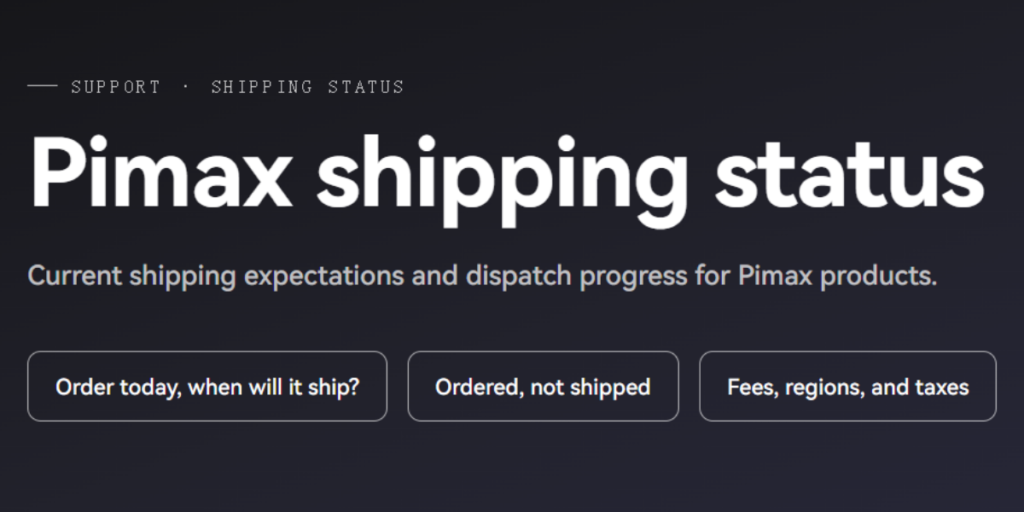
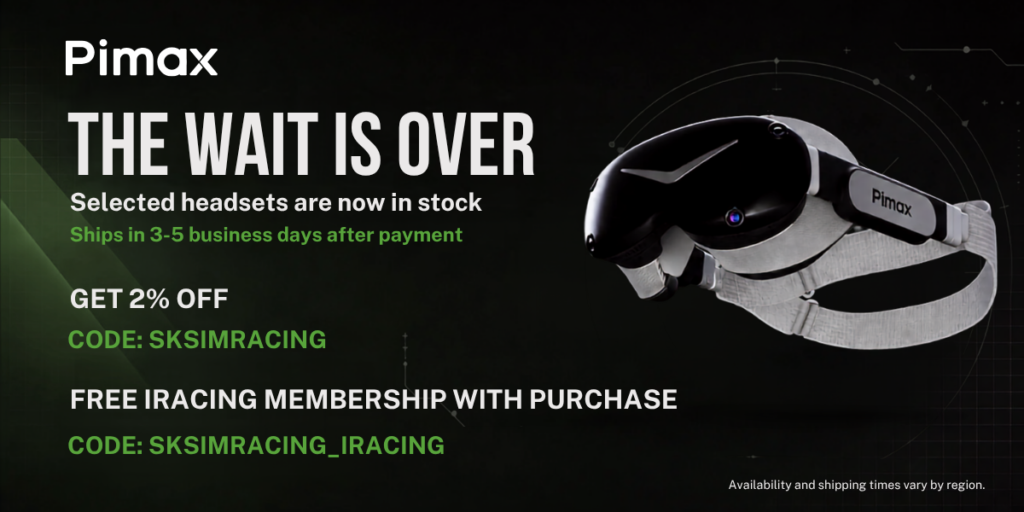
Pimax has now launched a new Shipping Status page where buyers can check regional stock, estimated fulfillment times, shipping costs and tax information before placing an order.
The page is updated weekly, making it easier to check the latest situation in your region rather than relying on a general shipping estimate.
Check the exact headset you want before ordering
The page covers Pimax’s current PCVR lineup, including the Crystal Light, Crystal Super series and Dream Air.
Importantly, availability is shown by individual configuration. For the Crystal Super, for example, the 50PPD, 57PPD, Ultrawide and 8K OLED versions are listed separately.
That is useful for sim racers because these models offer very different approaches to VR racing. Whether you are prioritizing maximum clarity, a wider field of view or a lighter headset for longer sessions, you can check whether the exact version you want is currently available in your market.
When a product is available in regional inventory, Pimax currently estimates fulfillment within 3 to 5 business days after payment.
Actual delivery time will still depend on your location and local carrier.
[Insert Image 2: Pimax headset or Crystal Super shown in a sim racing / iRacing setup]
Which warehouse your order ships from
Pimax also shows which warehouse serves each supported region.
Major markets including the United States, Canada, the UK, Australia, Japan, Mexico and the European Union are supported by local or nearby warehouses, while some other regions continue to be fulfilled from China.
This gives sim racers a better idea of where their headset will ship from and why delivery times may differ between markets.
Shipping fees and taxes
Shipping fees and tax handling are also listed by region, giving buyers a clearer picture of the total cost before reaching checkout.
For anyone planning to move into VR for iRacing, upgrade from an existing headset, or build a new dedicated racing cockpit, the new page makes it easier to plan the purchase before ordering.
Check the latest Pimax stock and shipping information here:
https://pimax.com/pages/shipping-status?ref=sksimracing
An extra iRacing bonus for SKSimRacing readers
There is also an additional offer aimed specifically at sim racers.
With a qualifying Pimax purchase, use code SKSIMRACING_IRACING to receive a free 12-month iRacing membership.
The offer is available to both new and existing iRacing users, making it useful whether you are just getting started or already racing regularly.
For the standard Pimax discount, SKSimRacing readers can also use code SKSIMRACING for 2% off eligible Pimax products.
Affiliate Disclosure: This article contains affiliate links. If you purchase through these links, SKSimRacing may earn a commission at no additional cost to you. Those commissions help support the reviews, testing, and content I create here on SKSimRacing.
-
 Featured4 years ago
Rev Up Your Sim Racing Experience with SK Sim Racing: Discover High-Quality Sim Wheels, Pedals, Shifters & More – Exclusive Discounts and Offers Await!
-
 Products4 years ago
Boost Your Sim Racing Experience with Exclusive Deals from Fanatec, Digital-Motorsports, Demon-Tweeks, Ricmotech & Trak Racer
-
 Featured5 years ago
Rev Up with The Oval Wheel: Unleash the Thrill of Racing
-
 Featured3 years ago
Fanatec Sim Racing Wheel Ultimate Buyer’s Guide 2024-2025
-
 Sim Racing3 years ago
Experience the Thrill of Virtual Racing: Unlocking the Exciting World of Sim Racing and Beyond!
-
 Featured6 years ago
New Rig Build
-
 Featured6 years ago
Fanatec CSL Elite Steering Wheel McLaren GT3 V2
-
 Products6 years ago
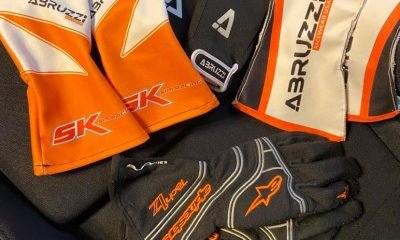
Sim Racing Gloves