
Featured
Console Sim Racing Showdown: Fanatec Gran Turismo DD Pro Bundle vs. Logitech G923

Fanatec Gran Turismo DD Pro Bundle vs. Logitech G923: A Comprehensive Comparison
When it comes to the exhilarating world of sim racing, the steering wheel and pedal setup you choose can make all the difference in your immersion, performance, and overall experience. In this detailed comparison, we will delve deep into the strengths and unique attributes of two leading contenders: the Fanatec Gran Turismo DD Pro Bundle and the Logitech G923. Our focus will be on their package contents, driving technologies, compatibility, and specialized inputs, all to help you make an informed decision.
Direct Drive vs. Gear/Belt Drive Technology: The Core Distinction
The heart of this comparison revolves around the driving technology employed by these systems. The Fanatec Gran Turismo DD Pro Bundle stands out with its revolutionary Direct Drive technology, while the Logitech G923 relies on a gear/belt drive mechanism.
Fanatec Gran Turismo DD Pro Bundle: Elevating Direct Drive Excellence
Direct Drive technology lies at the pinnacle of force feedback sensations, with the steering wheel directly connected to the motor shaft. This approach offers a pure and unadulterated transmission of force feedback effects, a feature cherished by professional drivers and dedicated sim racing enthusiasts. The Gran Turismo DD Pro Bundle showcases Fanatec’s Direct Drive technology, which incorporates a custom-designed German-engineered motor, meticulously crafted for sim racing. This motor is renowned for delivering an unparalleled level of clarity in force feedback details, thanks to the innovative Flux Barrier technology.
Logitech G923: Precision via Gear/Belt Drive
The Logitech G923 takes a different approach with its closed-loop motor control system. By continuously monitoring current flow and adjusting torque output based on in-game physics, the G923 achieves a commendable level of precision and realism. However, it relies on gear/belt drive technology, which may introduce a slight dilution of force feedback effects compared to the unfiltered direct drive systems.
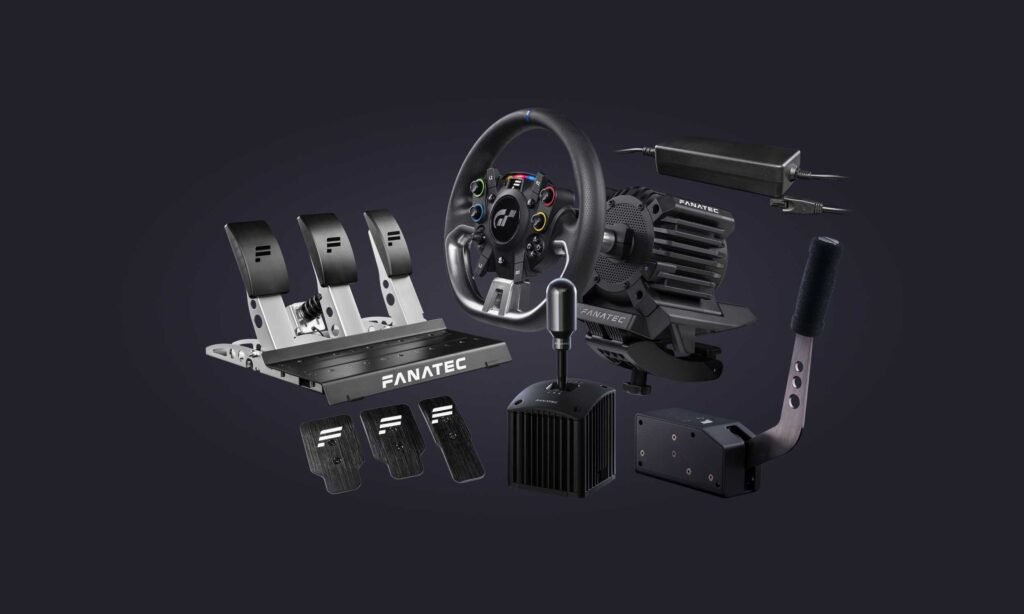
Package Contents: Gran Turismo DD Pro vs. G923
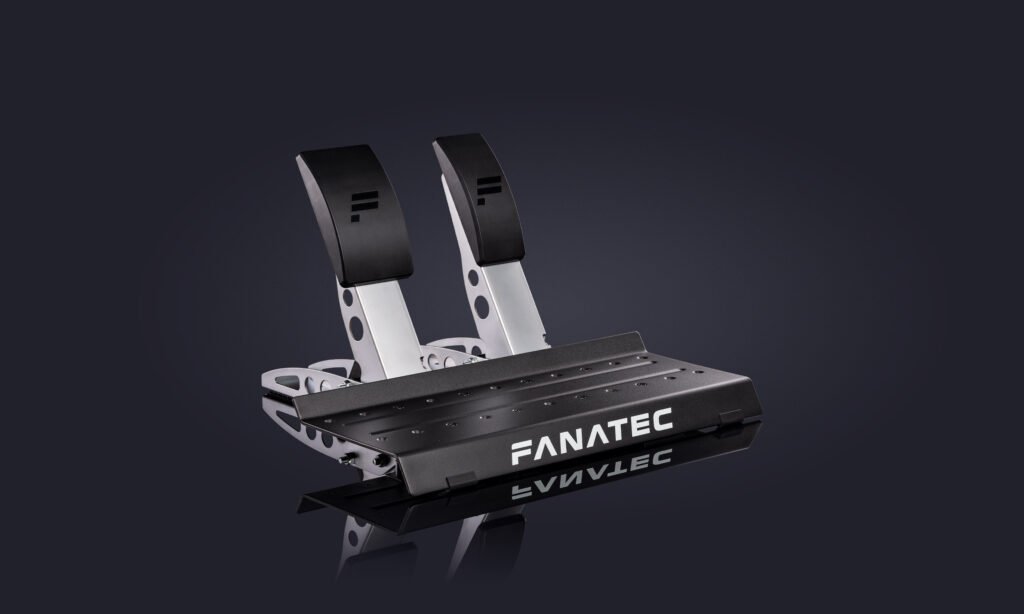
Both the Gran Turismo DD Pro Bundle and G923 arrive as comprehensive packages, including steering wheels, wheel bases, and pedals.
Gran Turismo DD Pro Bundle: Immersive Interface
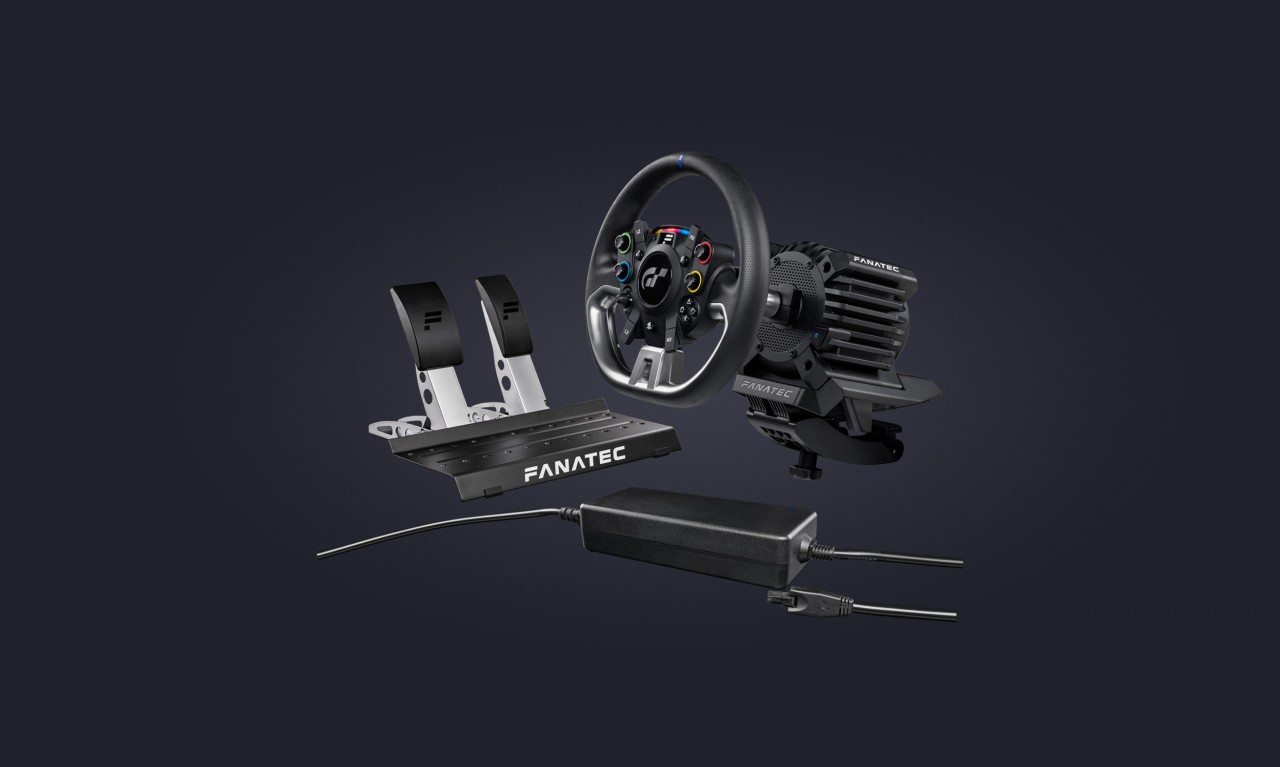
The Gran Turismo DD Pro steering wheel serves as a sophisticated conduit between the player and the virtual racing world. Equipped with a white OLED display, diffused RevLED strip, and a unique array of four 5-way directional sticks, it offers valuable visual cues and heightened control. The ergonomic design, tactile rubber grip, and responsive paddle shifters contribute to a comfortable and immersive driving experience.
Logitech G923: Classic Design with Integrated Controls
The G923 boasts a timeless design infused with modern enhancements. Premium brushed metal, automotive-style leather stitching, and polished pedals provide an air of professionalism. The convenience of direct Xbox and PlayStation controls integrated into the steering wheel ensures that every command is effortlessly accessible.
Compatibility and Specialized Inputs: Gran Turismo DD Pro Bundle
Tailored specifically for Gran Turismo 7, the Gran Turismo DD Pro steering wheel boasts specialized inputs that enhance the gameplay experience. Complete Fanatec SDK support guarantees compatibility with major racing games right out of the box. The inclusion of PlayStation buttons and four 5-way directional sticks caters to the diverse control demands of Gran Turismo gameplay.
Introducing the Fanatec Boost Kit 180: Unleash the Power
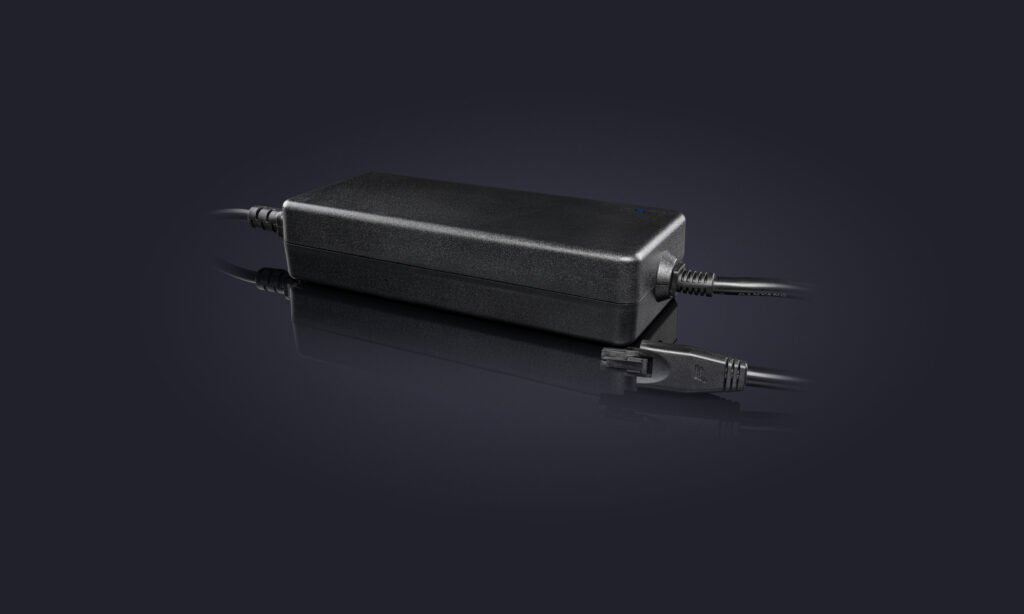
As an additional boon, the Fanatec Gran Turismo DD Pro Bundle can be further enhanced with the Fanatec Boost Kit 180. Designed exclusively for the CSL DD, this kit empowers the direct-drive wheel base with increased power for heightened performance. The Boost Kit 180 magnifies the force feedback, allowing you to discern even the subtlest cues with unprecedented clarity. By elevating the standard peak torque from 5 Nm to 8 Nm, this kit significantly broadens the dynamic range of force feedback effects.
Activating the Boost Kit 180 is a breeze. A simple substitution of the standard power supply with the Boost Kit 180 automatically unlocks the wheel base’s full performance potential, requiring no additional setup steps.
Conclusion: Elevating Realism with the Gran Turismo DD Pro Bundle
In this comprehensive comparison, the Fanatec Gran Turismo DD Pro Bundle emerges as a compelling choice for dedicated sim racing enthusiasts who seek the pinnacle of realism and immersion. Its utilization of Direct Drive technology, coupled with the specialized inputs tailored for Gran Turismo 7, solidify its position as the ultimate option for fans of the franchise.
While the Logitech G923 impresses with its closed-loop motor control and integrated design, it falls short of the Gran Turismo DD Pro Bundle’s direct drive technology and tailored inputs. For those who prioritize unparalleled realism, precision, and seamless compatibility with Gran Turismo 7, the Fanatec Gran Turismo DD Pro Bundle, along with the option to enhance it further with the Boost Kit 180, presents itself as the superior and definitive choice.
Where to Buy:
Thanks again for taking the time to read our article. If you found this information valuable, pass it on. If you’d like to purchase one of the great products we discussed above, click on the highlighted links throughout the post. At no additional cost to you, we’ll receive a small commission, which will allow us to continue to review sim racing devices and bring you valuable content.
Happy Sim Racing!




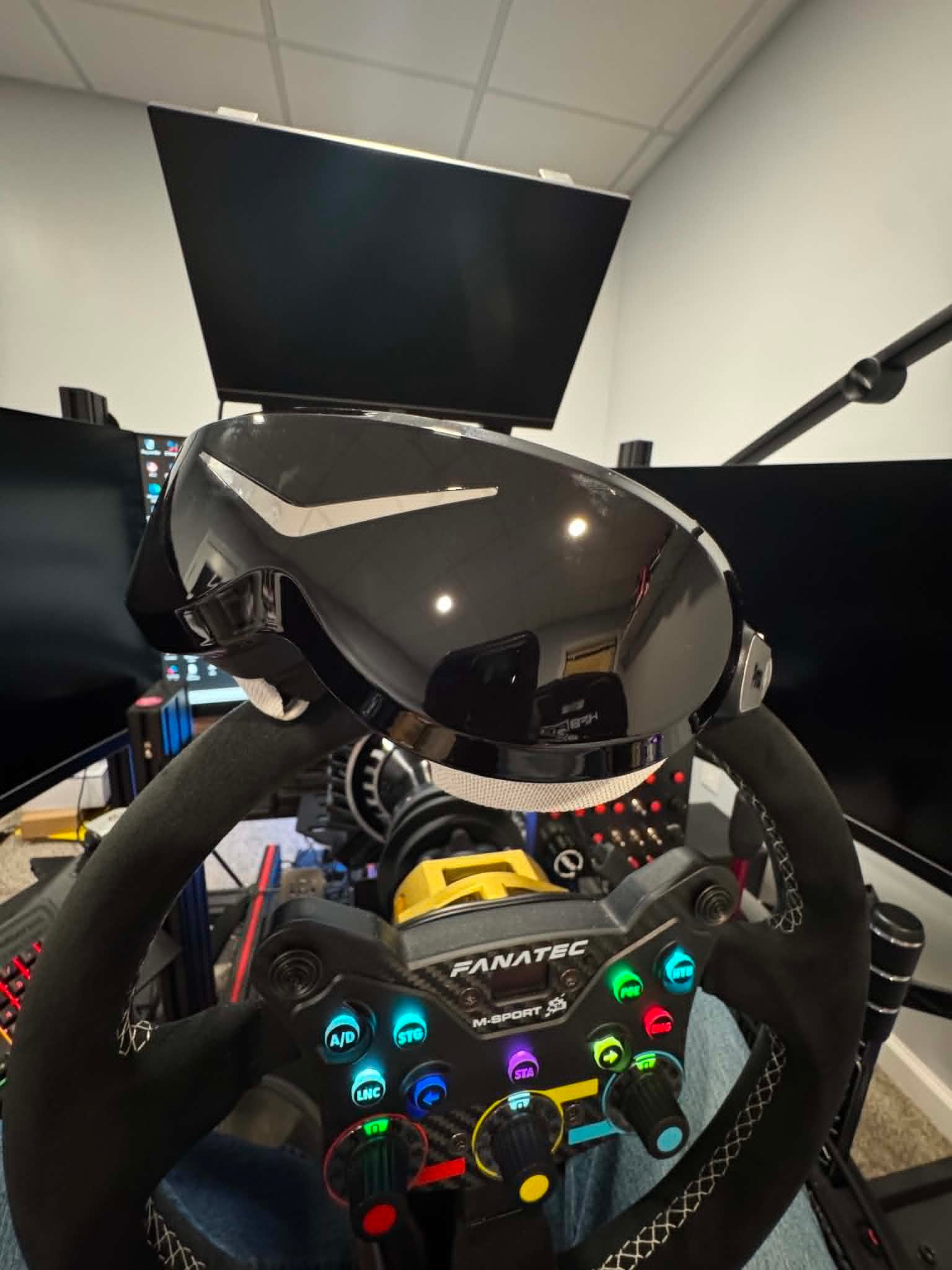
I noticed something recently.
Since getting the Pimax Dream Air, I haven’t wanted to use a monitor for iRacing.
What’s interesting is that I never made a conscious decision to switch completely to VR. It just happened. Every time I sat down to race, I reached for the Dream Air. After a few weeks, I realized the monitor was no longer part of the decision at all.
That surprised me.
For years, VR has offered a level of immersion that monitors simply can’t match. But monitors were usually easier to live with. They were more comfortable for long sessions, you could see your wheel and button boxes, and you didn’t have to wear a headset for hours at a time.
The Dream Air doesn’t eliminate every downside of VR.
What it does do is remove enough of them that I no longer find myself deciding between VR and a monitor. I just race in VR.
To me, that’s far more significant than any spec-sheet upgrade.
The Real Problem With VR Was Never Immersion
VR has always had one major advantage over monitors: depth perception.
You can judge distances more naturally, place your car with greater confidence, and look through corners the same way you would in a real car. It gives you a sense of space that even the best triple-screen setup can’t fully recreate.
The problem was everything else.
Previous generations of headsets often came with compromises. Some lacked clarity in the distance, others had a small sweet spot in the lenses, and many became tiring during longer races. The usual solution was to add bigger displays and better optics, which often resulted in larger and heavier headsets.
That trade-off mattered.
A headset could feel incredible for thirty minutes, then leave you wanting to take it off before the race was over.
What makes the Dream Air stand out is that it tackles both image quality and comfort at the same time.
Why Dream Air Changed It for Me
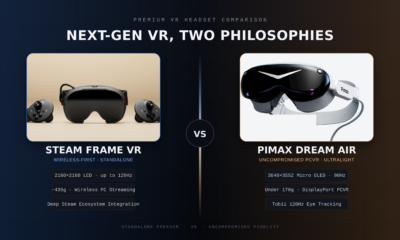
The Dream Air combines Micro OLED displays with a resolution of 3840 × 3552 pixels per eye, eye tracking, automatic IPD adjustment, dynamic foveated rendering, and a DisplayPort connection for PCVR.
Those specifications are impressive, but they’re not what changed my experience.
What I notice every time I use the headset is the combination of clarity and weight.
At roughly 170 grams, the Dream Air feels dramatically different from a traditional high-end VR headset. There’s less pressure on your face, less movement when turning your head, and far less fatigue during long sessions.
The image quality matters just as much.
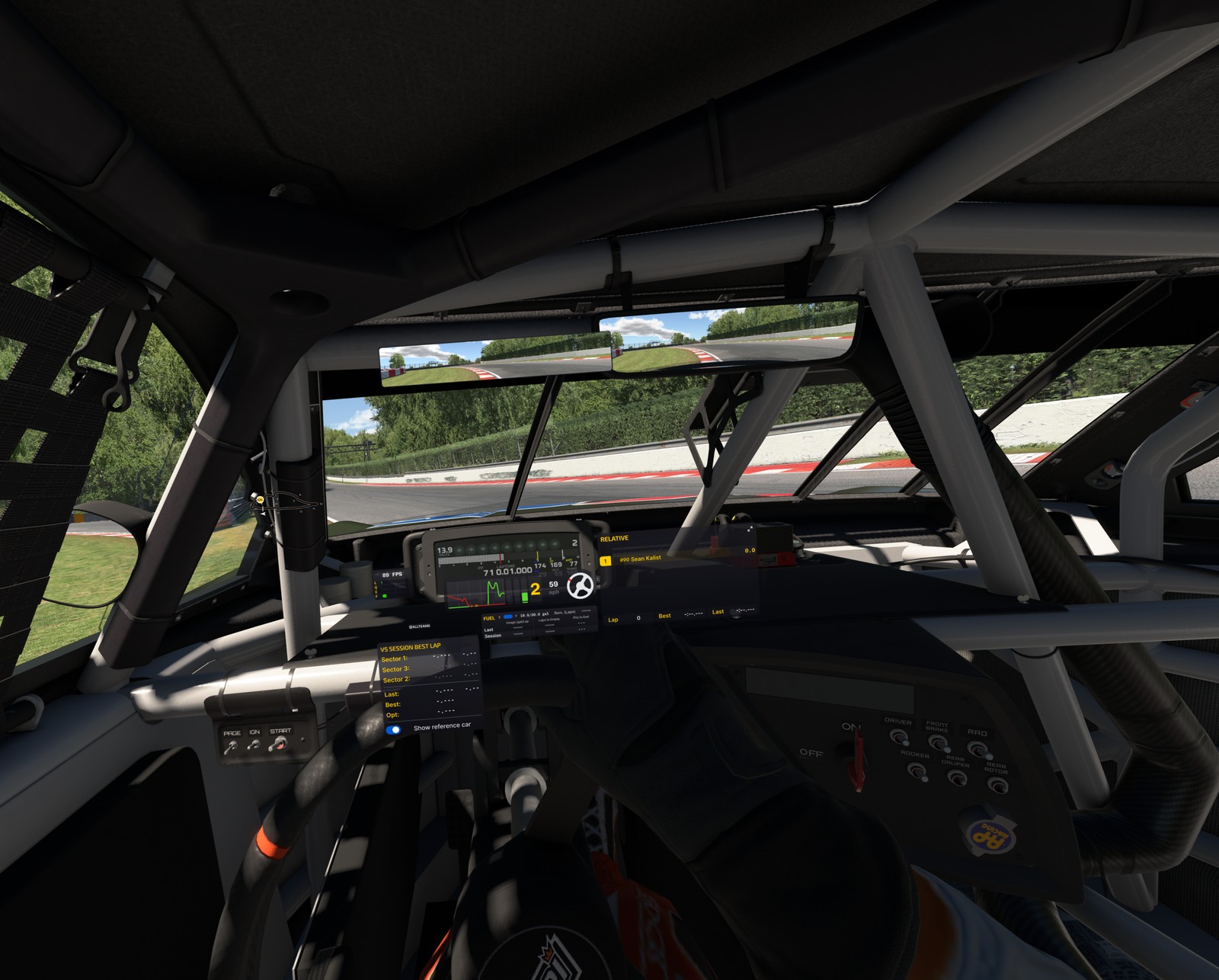
Distant cars are easier to identify. Braking markers stay clear. Cockpit details remain sharp. Instead of searching for visual information, it simply feels like it’s there.
More importantly, that combination changed my behavior.
I never decided to pause using my triple screen setup. I simply kept choosing the Dream Air every time I launched iRacing.
Why Weight Matters More Than People Think
Weight is one of those specs that’s easy to overlook.
To be clear, I’m not saying headsets like the Pimax Crystal Light or Pimax Crystal Super are uncomfortable. They’re outstanding headsets, particularly when it comes to image quality.
But compared with the Dream Air, they’re significantly larger and heavier, and during a long race that difference becomes increasingly noticeable.
The same applies to headsets like the Quest 3.
Weight may seem insignificant during the first few minutes. After an hour or two of racing, it becomes part of the experience. You’re braking hard, fighting the wheel, moving in the seat, and constantly making small head movements. A heavier headset makes all of those movements feel more noticeable.
A lighter headset doesn’t eliminate every limitation of VR, but it can make long sessions far easier and more enjoyable.
That’s where the Dream Air feels different.
The Crystal Light and Crystal Super focus heavily on delivering exceptional visual performance. The Dream Air takes a different approach by prioritizing a compact, lightweight design while still delivering a premium image.
For sim racing, I’ve come to value that more than I expected.
What About Field of View?
The Dream Air doesn’t have the widest field of view available.
Its horizontal field of view sits at around 110 degrees.
Initially, I expected that to bother me. In practice, it hasn’t.
I actually prefer the balance. The image remains sharp, performance is easier to manage, and I still get the sense of depth and spatial awareness that makes VR so compelling.
For sim racing, a wider field of view is certainly beneficial.
But it isn’t everything.
A larger image means very little if achieving it requires sacrificing clarity or frame rate.
A Headset You Actually Want to Use
The Dream Air SLAM version includes inside-out tracking, eye tracking, dynamic foveated rendering, hand tracking, passthrough, integrated audio, and 6DoF controllers.
Features are important, but convenience is what stands out to me.
Like most PCVR headsets, there’s some initial setup involved. Once that’s done, the experience becomes remarkably simple. I sit down, put on the headset, launch iRacing, and start racing.
Pimax Play helps here as well. Most settings and controls are centralized in one place, so I rarely have to think about the headset itself once everything has been configured.
That may sound like a small thing, but it matters.
If using a headset feels like work every time you want to race, you’ll naturally use it less. The best VR headset isn’t necessarily the one with the most impressive specifications. It’s the one you genuinely want to put on.
Triple Screens Still Have Advantages
Traditional monitors still do some things better.
You can see your wheel, keyboard, button boxes, and other hardware. Managing Discord, desktop applications, race management tools, and quick adjustments is often easier on a monitor setup.
VR also demands a capable PC if you want high resolution and consistent performance.
So this isn’t a story about monitors suddenly becoming obsolete.
It’s about the reasons for going back to them becoming less convincing.
Who Is Dream Air For?
The Dream Air makes the most sense for people who love the idea of VR but have always disliked the compromises.
Maybe your previous headset felt too heavy.
Maybe image clarity wasn’t where you wanted it to be.
Maybe you liked the lightweight approach of something like the Bigscreen Beyond but wanted more built-in functionality.
That’s where the Dream Air becomes genuinely interesting.
It isn’t just about adding more features or better specifications. It’s about removing enough friction that VR stops feeling like something you occasionally use for special occasions.
Instead, it becomes your default way to race.
This post contains affiliate links. If you purchase through them, I may earn a commission at no extra cost to you.
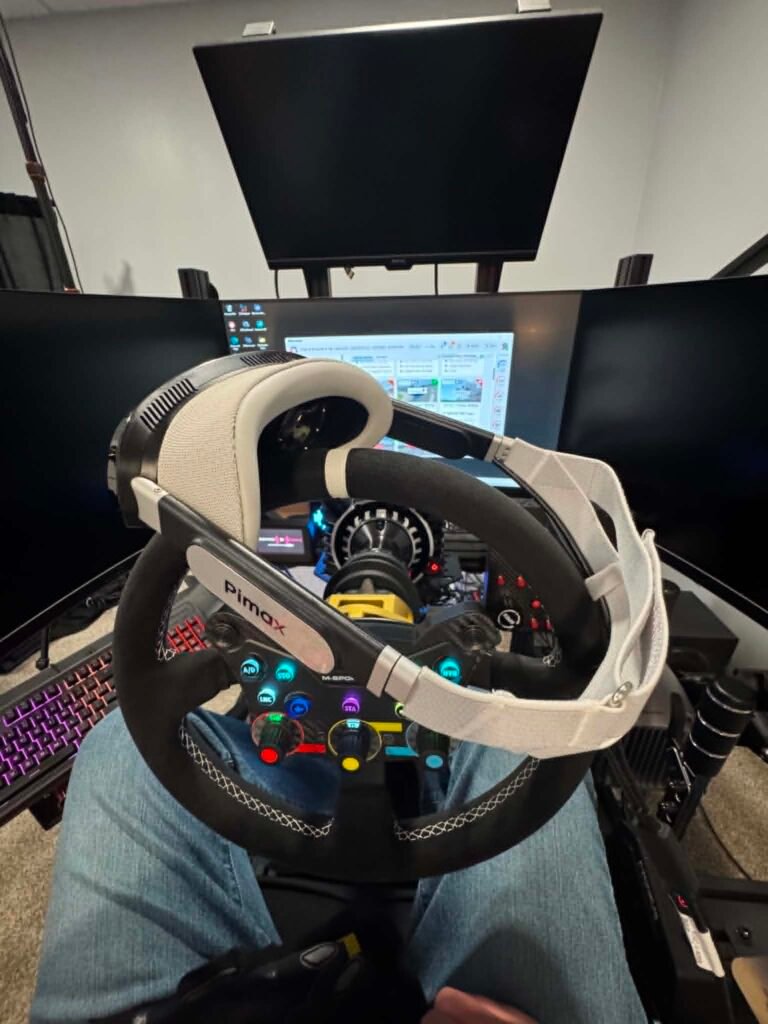
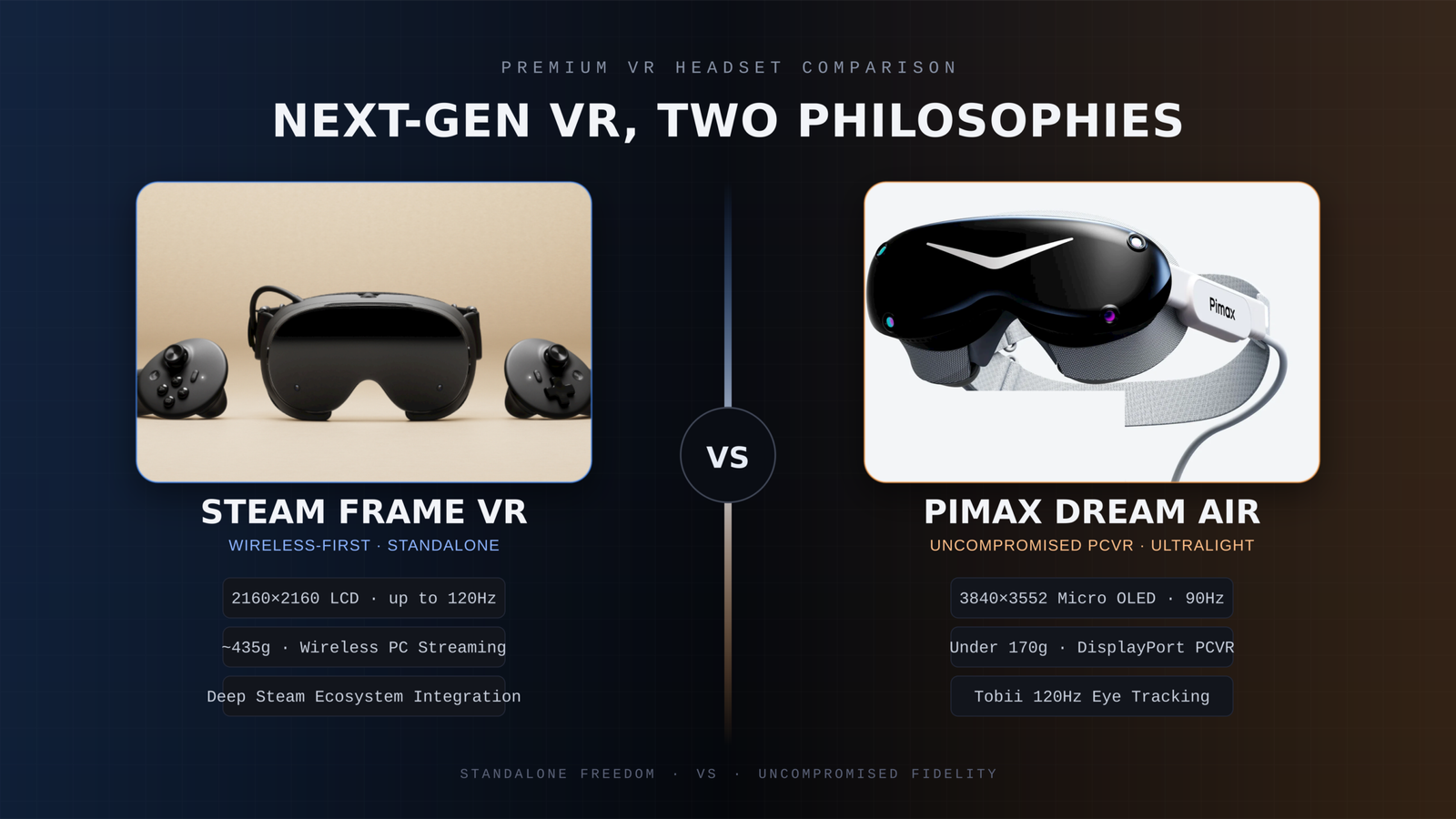
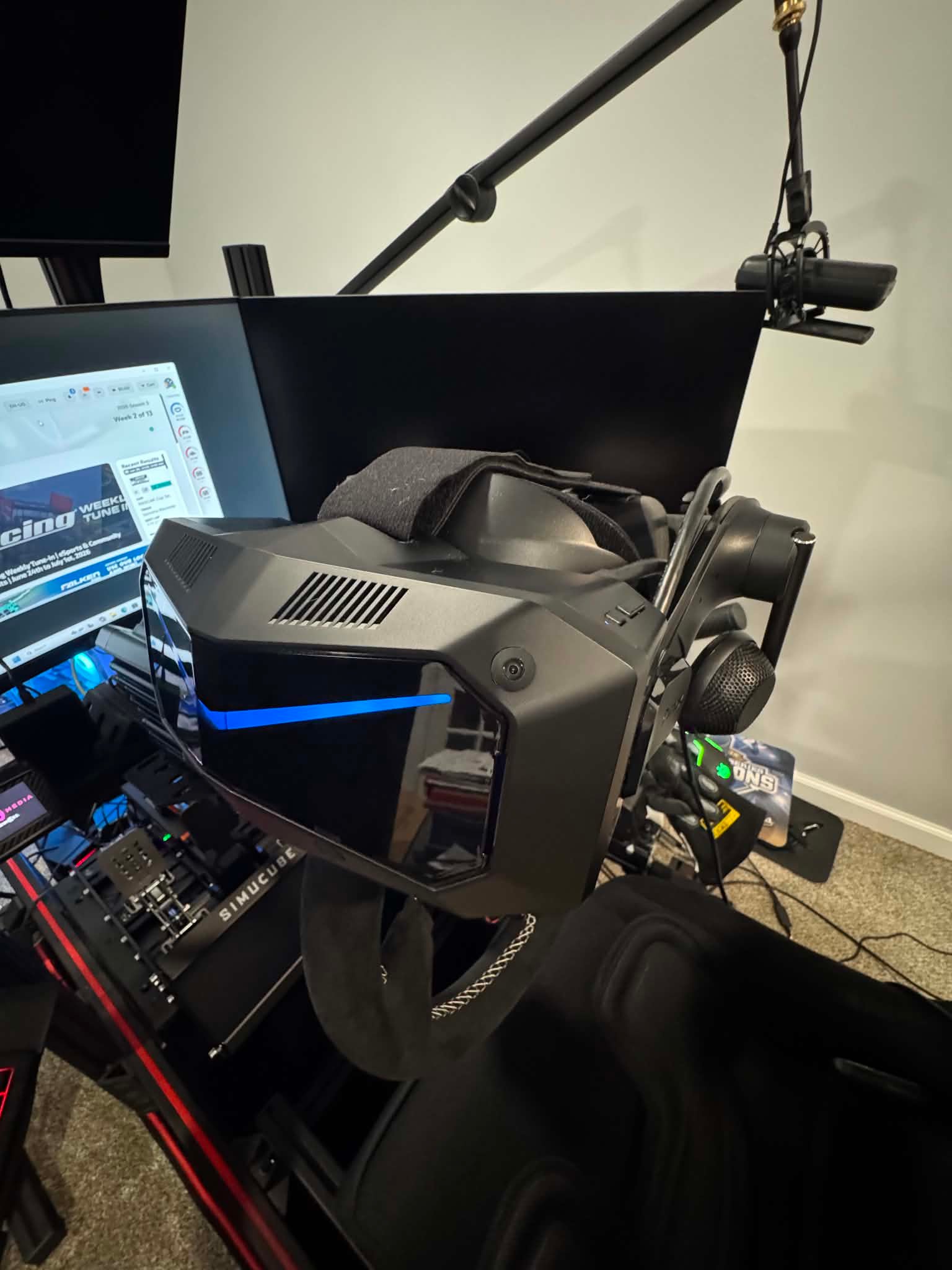
When upgrading a sim racing setup, choosing the right VR headset is only part of the decision. Knowing whether the headset you want is actually in stock and ready to ship can matter just as much, especially when you are planning the rest of a new racing rig around it.
Pimax has now launched a new Shipping Status page where buyers can check regional stock, estimated fulfillment times, shipping costs and tax information before placing an order.
The page is updated weekly, making it easier to check the latest situation in your region rather than relying on a general shipping estimate.
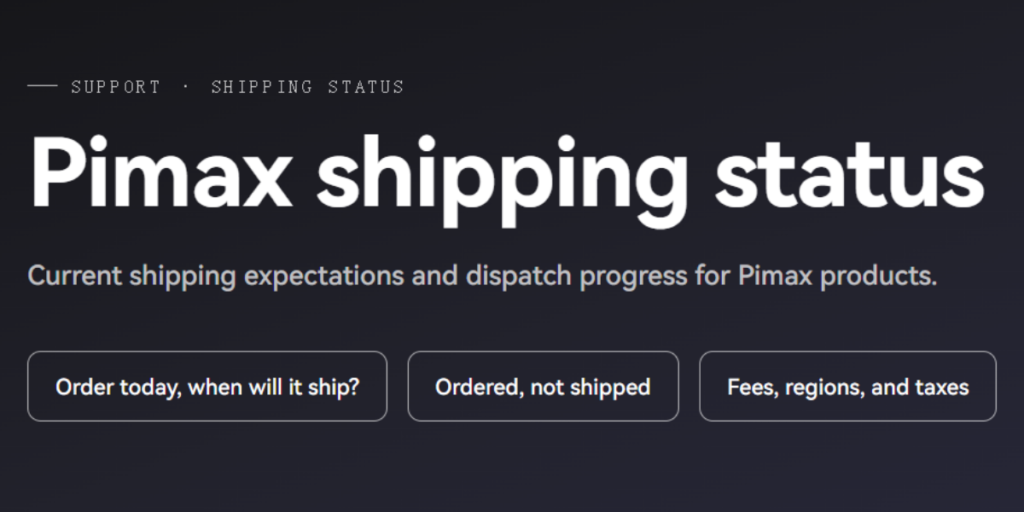
Check the exact headset you want before ordering
The page covers Pimax’s current PCVR lineup, including the Crystal Light, Crystal Super series and Dream Air.
Importantly, availability is shown by individual configuration. For the Crystal Super, for example, the 50PPD, 57PPD, Ultrawide and 8K OLED versions are listed separately.
That is useful for sim racers because these models offer very different approaches to VR racing. Whether you are prioritizing maximum clarity, a wider field of view or a lighter headset for longer sessions, you can check whether the exact version you want is currently available in your market.
When a product is available in regional inventory, Pimax currently estimates fulfillment within 3 to 5 business days after payment.
Actual delivery time will still depend on your location and local carrier.
[Insert Image 2: Pimax headset or Crystal Super shown in a sim racing / iRacing setup]
Which warehouse your order ships from
Pimax also shows which warehouse serves each supported region.
Major markets including the United States, Canada, the UK, Australia, Japan, Mexico and the European Union are supported by local or nearby warehouses, while some other regions continue to be fulfilled from China.
This gives sim racers a better idea of where their headset will ship from and why delivery times may differ between markets.
Shipping fees and taxes
Shipping fees and tax handling are also listed by region, giving buyers a clearer picture of the total cost before reaching checkout.
For anyone planning to move into VR for iRacing, upgrade from an existing headset, or build a new dedicated racing cockpit, the new page makes it easier to plan the purchase before ordering.
Check the latest Pimax stock and shipping information here:
https://pimax.com/pages/shipping-status?ref=sksimracing
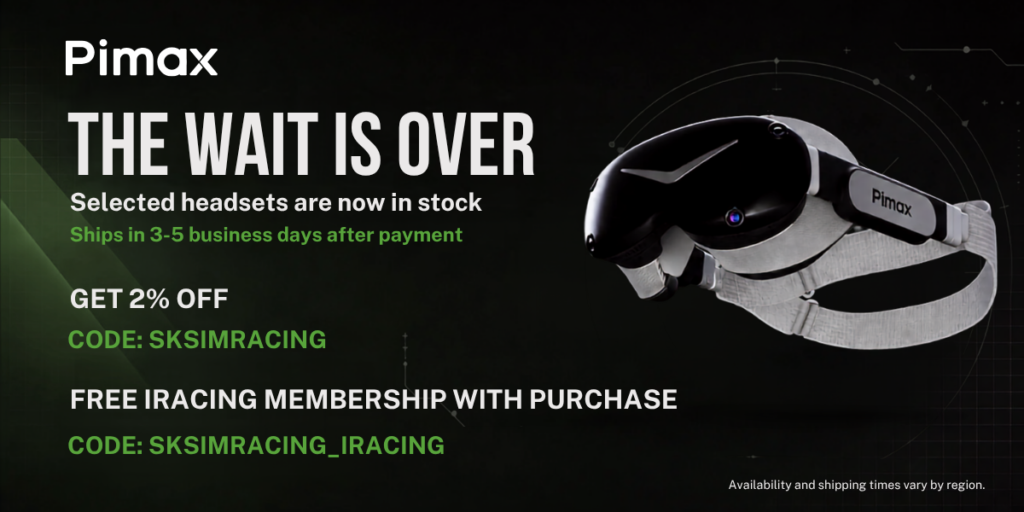
An extra iRacing bonus for SKSimRacing readers
There is also an additional offer aimed specifically at sim racers.
With a qualifying Pimax purchase, use code SKSIMRACING_IRACING to receive a free 12-month iRacing membership.
The offer is available to both new and existing iRacing users, making it useful whether you are just getting started or already racing regularly.
For the standard Pimax discount, SKSimRacing readers can also use code SKSIMRACING for 2% off eligible Pimax products.
Affiliate Disclosure: This article contains affiliate links. If you purchase through these links, SKSimRacing may earn a commission at no additional cost to you. Those commissions help support the reviews, testing, and content I create here on SKSimRacing.
-
 Featured4 years ago
Rev Up Your Sim Racing Experience with SK Sim Racing: Discover High-Quality Sim Wheels, Pedals, Shifters & More – Exclusive Discounts and Offers Await!
-
 Products4 years ago
Boost Your Sim Racing Experience with Exclusive Deals from Fanatec, Digital-Motorsports, Demon-Tweeks, Ricmotech & Trak Racer
-
 Featured5 years ago
Rev Up with The Oval Wheel: Unleash the Thrill of Racing
-
 Featured3 years ago
Fanatec Sim Racing Wheel Ultimate Buyer’s Guide 2024-2025
-
 Sim Racing3 years ago
Experience the Thrill of Virtual Racing: Unlocking the Exciting World of Sim Racing and Beyond!
-
 Featured6 years ago
New Rig Build
-
 Featured6 years ago
Fanatec CSL Elite Steering Wheel McLaren GT3 V2
-
 Products6 years ago
Sim Racing Gloves