
Featured
Fanatec Just Shook Up Sim Racing With 3 New Releases in One Day

Some product launches feel small.
This was not one of them.
Fanatec has just unveiled three new products at once—and if you’re building or upgrading a serious sim racing setup, today may be one of the biggest hardware days of the year.
The new lineup includes:
- Fanatec Formula V3 Wheel Rim
- Fanatec Podium Pedals
- Fanatec New Wheel Hub
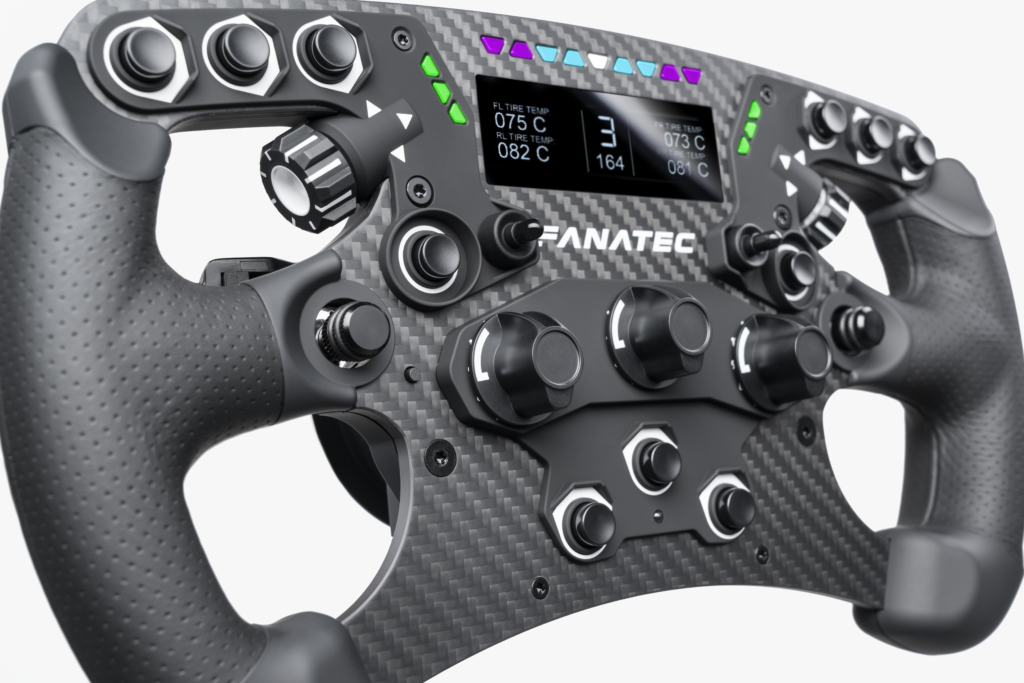
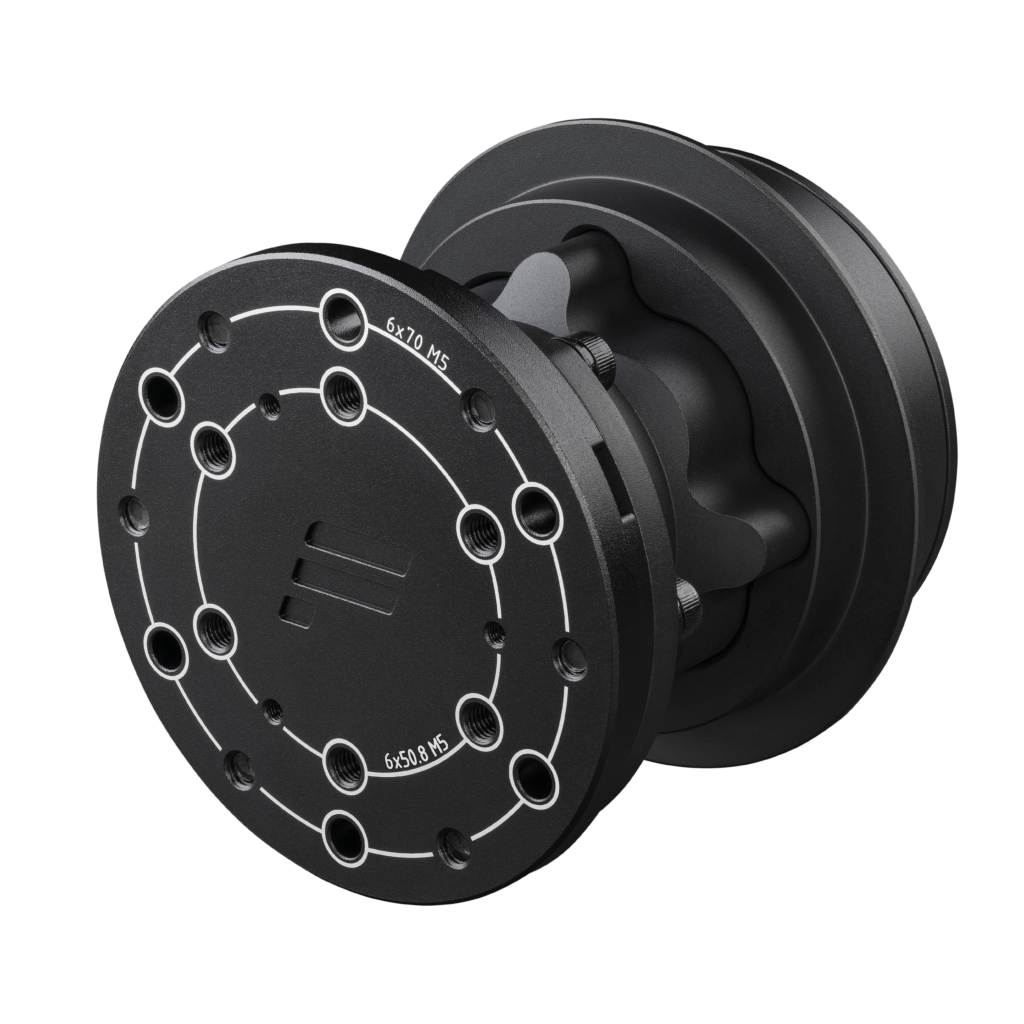
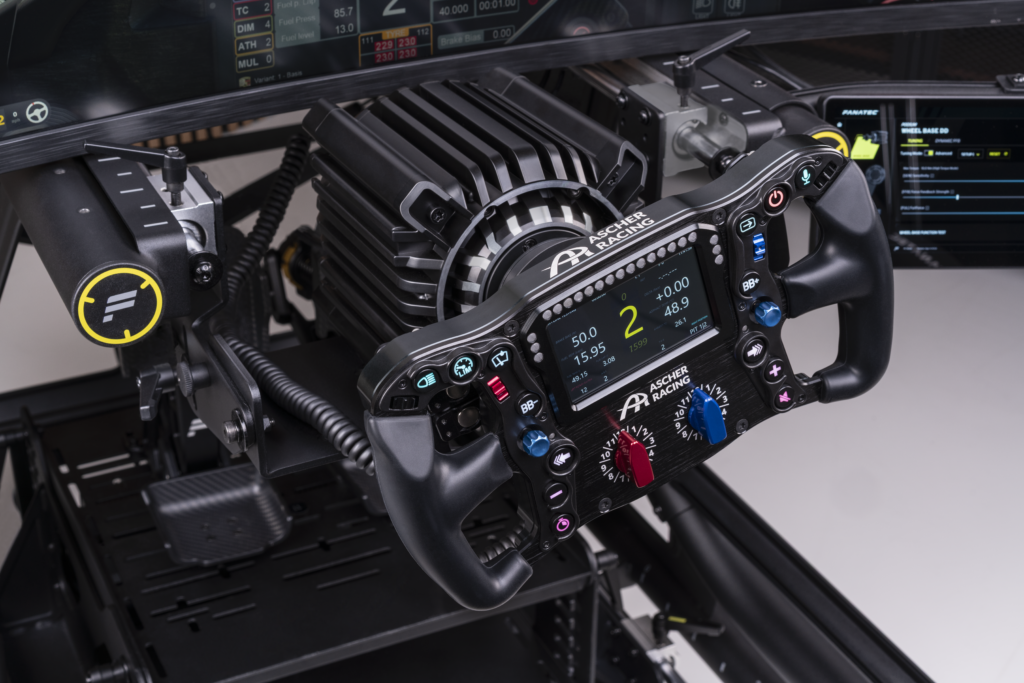
This is not just a refresh. It feels like Fanatec is making a statement: premium hardware, sharper design, and more options for racers who want top-tier performance.
If you want to browse the new releases directly, check them out here:
- Formula V3 Wheel Rim: https://fanatec.sjv.io/QYNBaA
- Podium Pedals: https://fanatec.sjv.io/rEzV9R
- New Wheel Hub: https://fanatec.sjv.io/jRnPN5
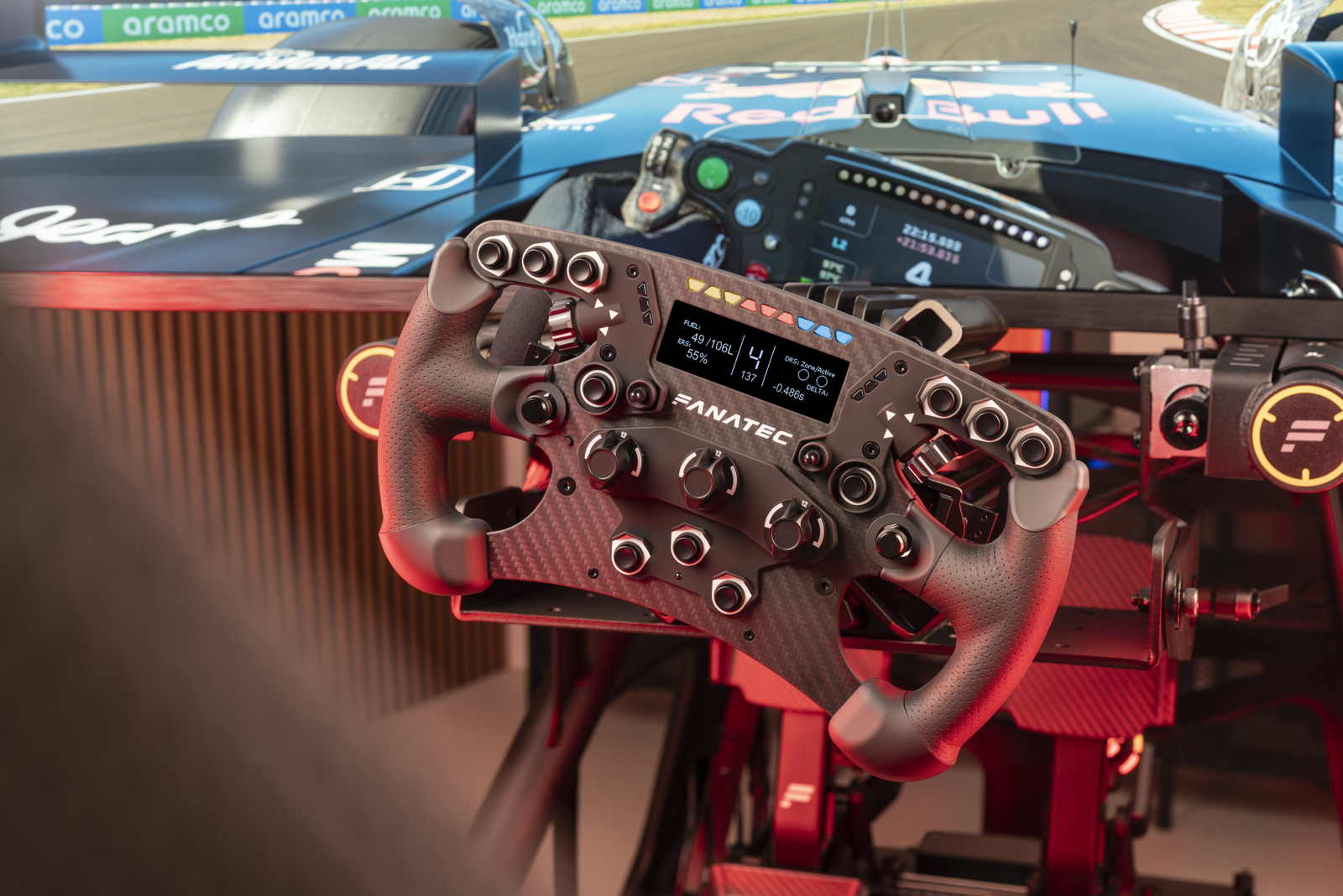
1. Formula V3 Wheel Rim: Built for Precision Racing
For Formula and GT drivers, steering wheel feel matters.
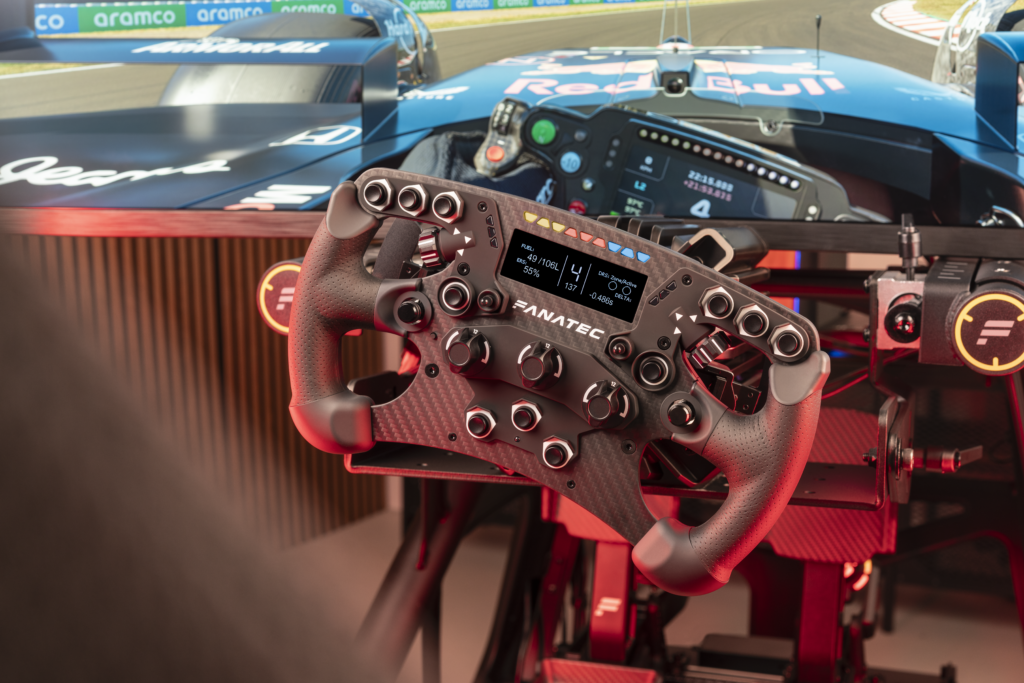
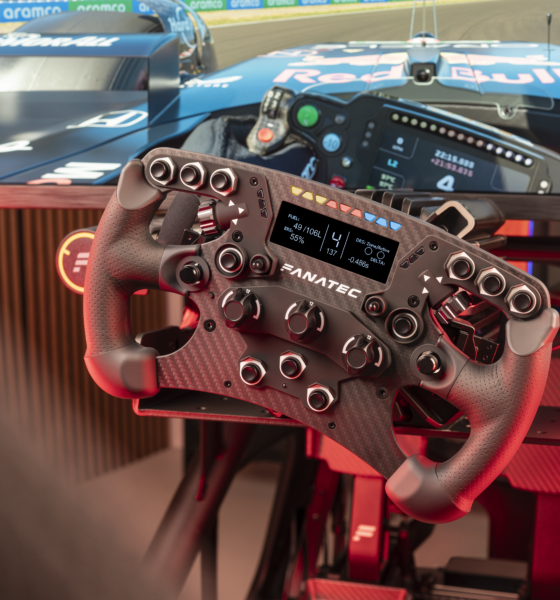
The new Formula V3 Wheel Rim looks like Fanatec’s next step forward in aggressive motorsport styling, ergonomic grip design, and sharper cockpit immersion. This is the kind of wheel that instantly changes how your rig feels the moment you bolt it on.
For racers who spend hours in:
- iRacing Formula series n- F1 titles
- GT3 sprint races
- LMP and prototype classes
…this could become one of the most desired Fanatec wheel releases in recent memory.
What stands out immediately is the modern race-inspired layout and purposeful design language.
See the Formula V3 here: https://fanatec.sjv.io/QYNBaA
2. Podium Pedals: Fanatec’s New Flagship Statement
Pedals win lap time.
Not flashy LED lights. Not hype. Not social media posts.
Pedals.
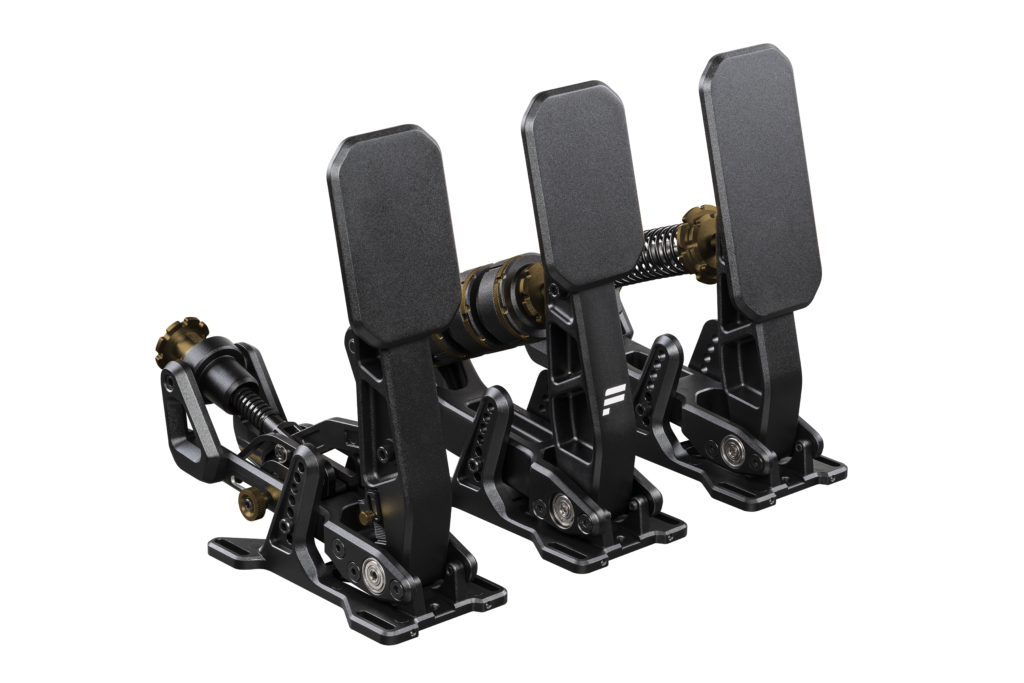
That’s why the reveal of the new Podium Pedals may actually be the biggest news of the three launches.
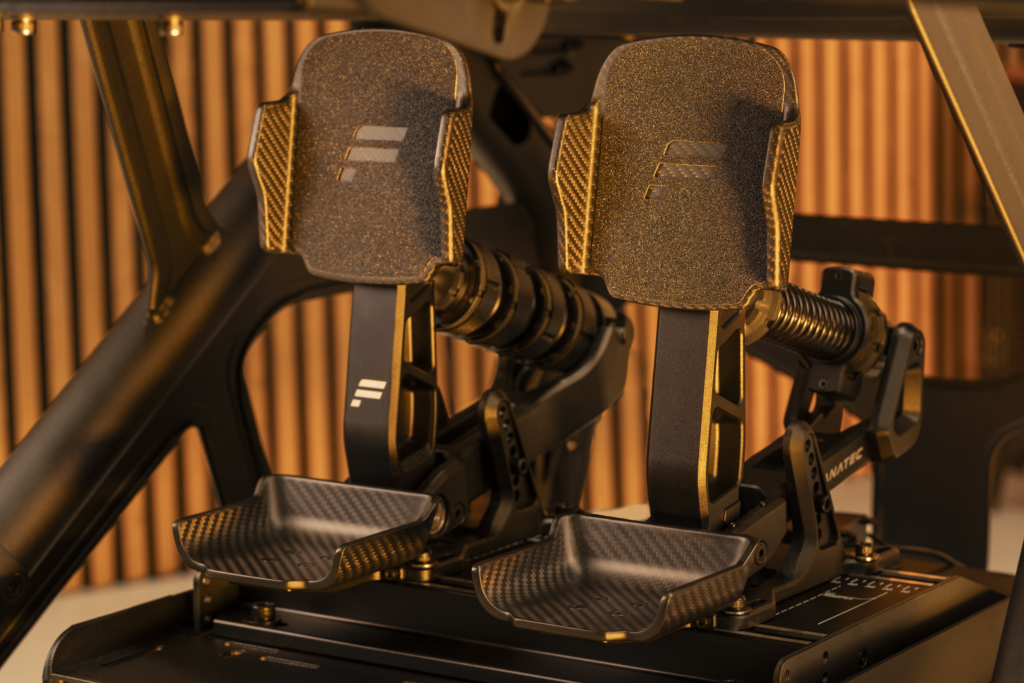
According to early reports, these pedals are positioned as Fanatec’s new flagship set, priced at $/€ 699.95, with shipping expected later this year.
That means Fanatec is aiming directly at serious sim racers who want:
- More precise braking consistency
- Better trail braking confidence
- Premium adjustability
- Stronger materials and long-term durability
- A true end-game pedal experience
If these deliver on feel, they could become a category leader very quickly.
View Podium Pedals here: https://fanatec.sjv.io/rEzV9R
3. New Wheel Hub: Quietly One of the Smartest Releases
Some upgrades get headlines.
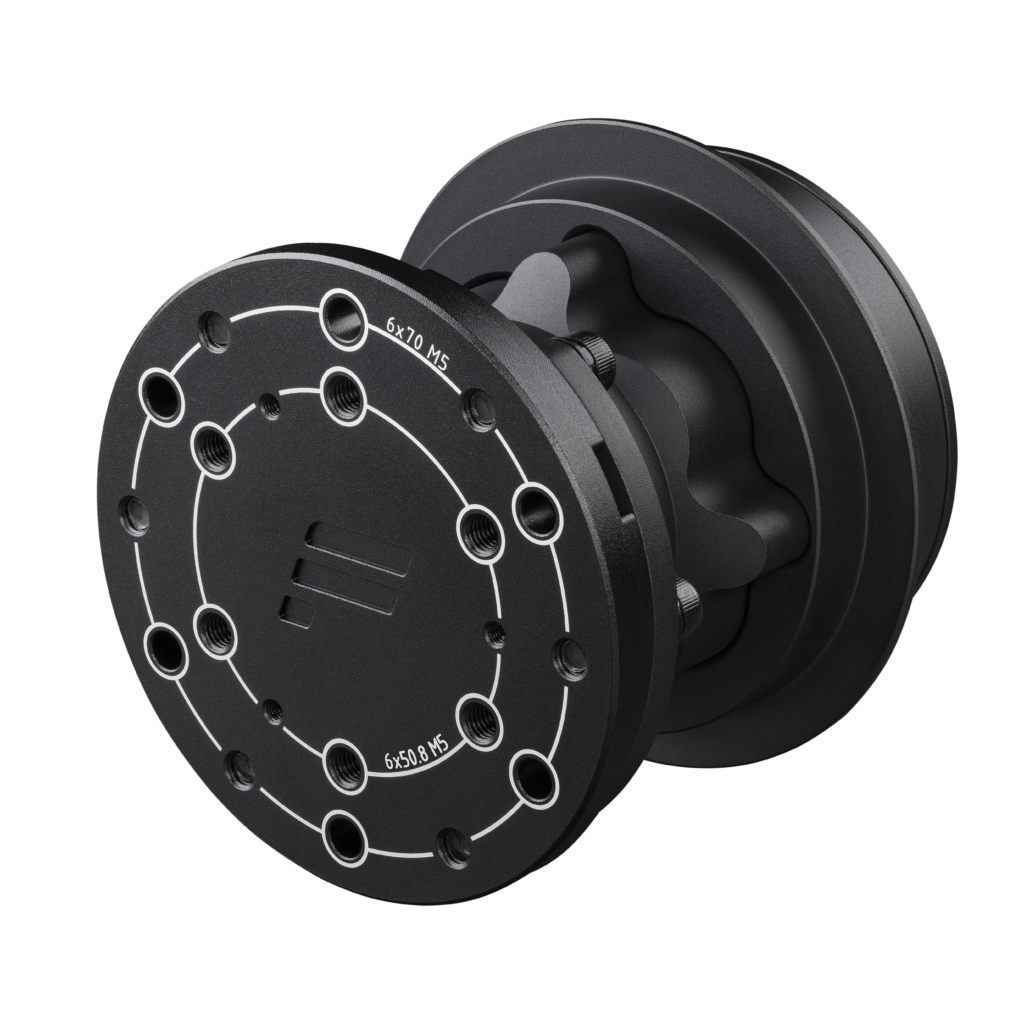
Others solve real problems.
The new Fanatec Wheel Hub could be one of the smartest launches today because hubs create flexibility inside an ecosystem.
A strong hub lets racers:
- Run different wheel rims
- Customize layouts
- Future-proof their setup
- Adapt for oval, GT, drifting, or formula use
- Maximize value from one base
For sim racers who like to tune their rig for multiple disciplines, this could be a sleeper hit.
See the new hub here: https://fanatec.sjv.io/jRnPN5
Why This Launch Matters More Than It Looks
Three products in one day tells a bigger story.
Fanatec appears focused on strengthening the full ecosystem:
- Better controls at your hands (wheel)
- Better control at your feet (pedals)
- Better customization in the middle (hub)
That matters because the best sim racing setups are systems—not random parts.
And Fanatec has always been strongest when every piece works together.
My Honest Take as a Sim Racer
As someone currently testing the new Podium DD wheelbase, what excites me most is momentum.
Fanatec feels active again.
New products, premium direction, and more choices for racers is exactly what the sim racing market needs. Competition improves everything.
If the quality matches the ambition of today’s launch, these products could be extremely popular.
Which One Should You Upgrade First?
If you race competitively:
Choose Podium Pedals first – biggest performance gain.
If you care about immersion and steering feel:
Choose Formula V3 Wheel Rim – daily enjoyment upgrade.
If you want versatility:
Choose the Wheel Hub – smartest long-term ecosystem move.
Final Thoughts
Today wasn’t just a product drop.
It was Fanatec reminding the sim racing world that they still know how to create excitement.
Three new releases. Multiple upgrade paths. Real performance potential.
That’s a good day for sim racers.
Browse all three products here:
- Formula V3 Wheel Rim: https://fanatec.sjv.io/QYNBaA
- Podium Pedals: https://fanatec.sjv.io/rEzV9R
- New Wheel Hub: https://fanatec.sjv.io/jRnPN5
FTC Disclosure: SKSimRacing.com uses affiliate links. If you purchase through links in this article, I may earn a commission at no extra cost to you. This helps support honest reviews, testing, and sim racing content.





I noticed something recently.
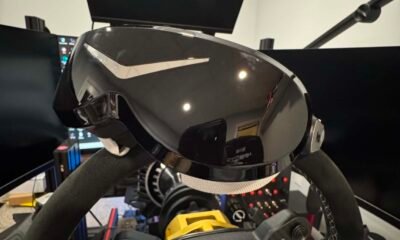
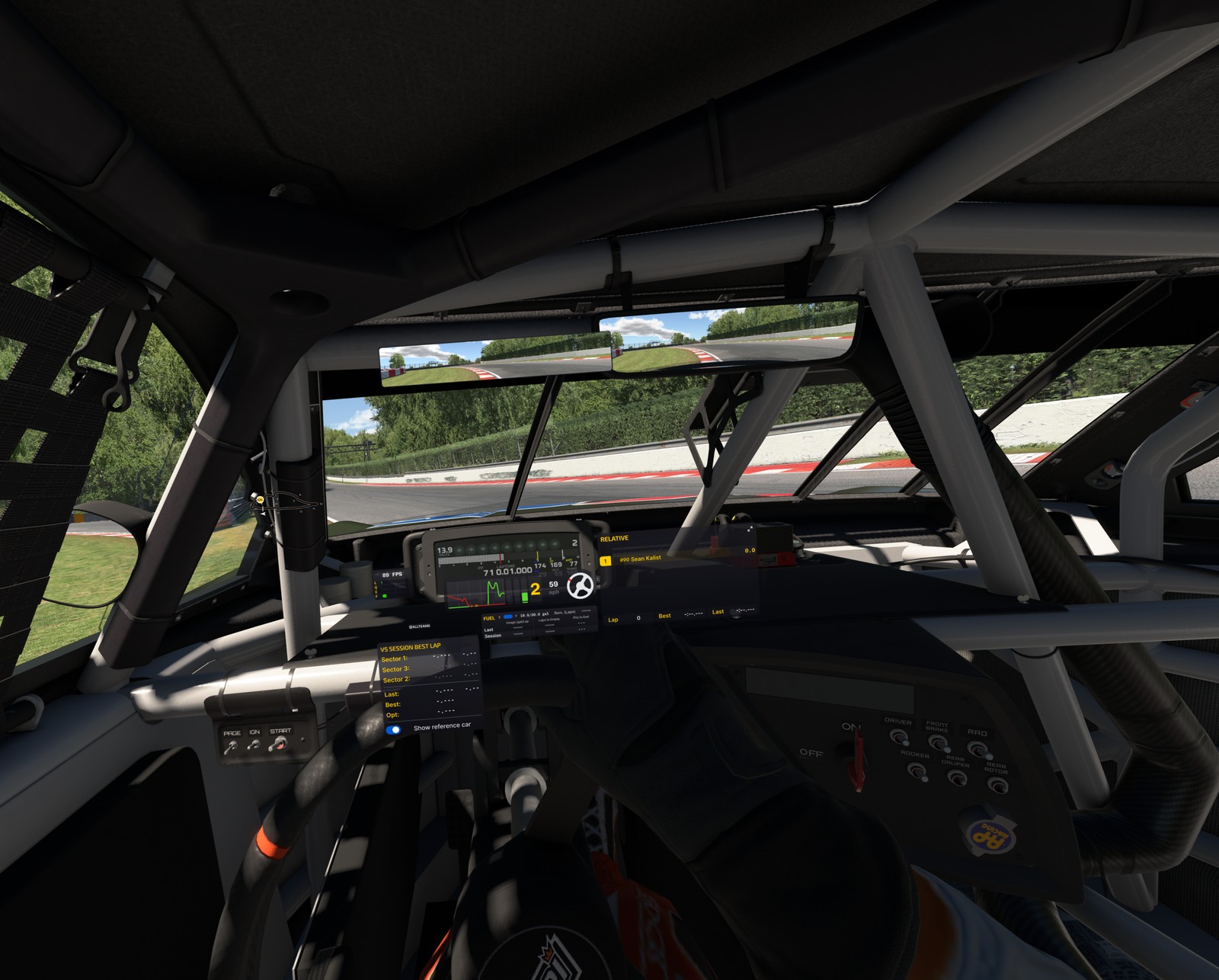
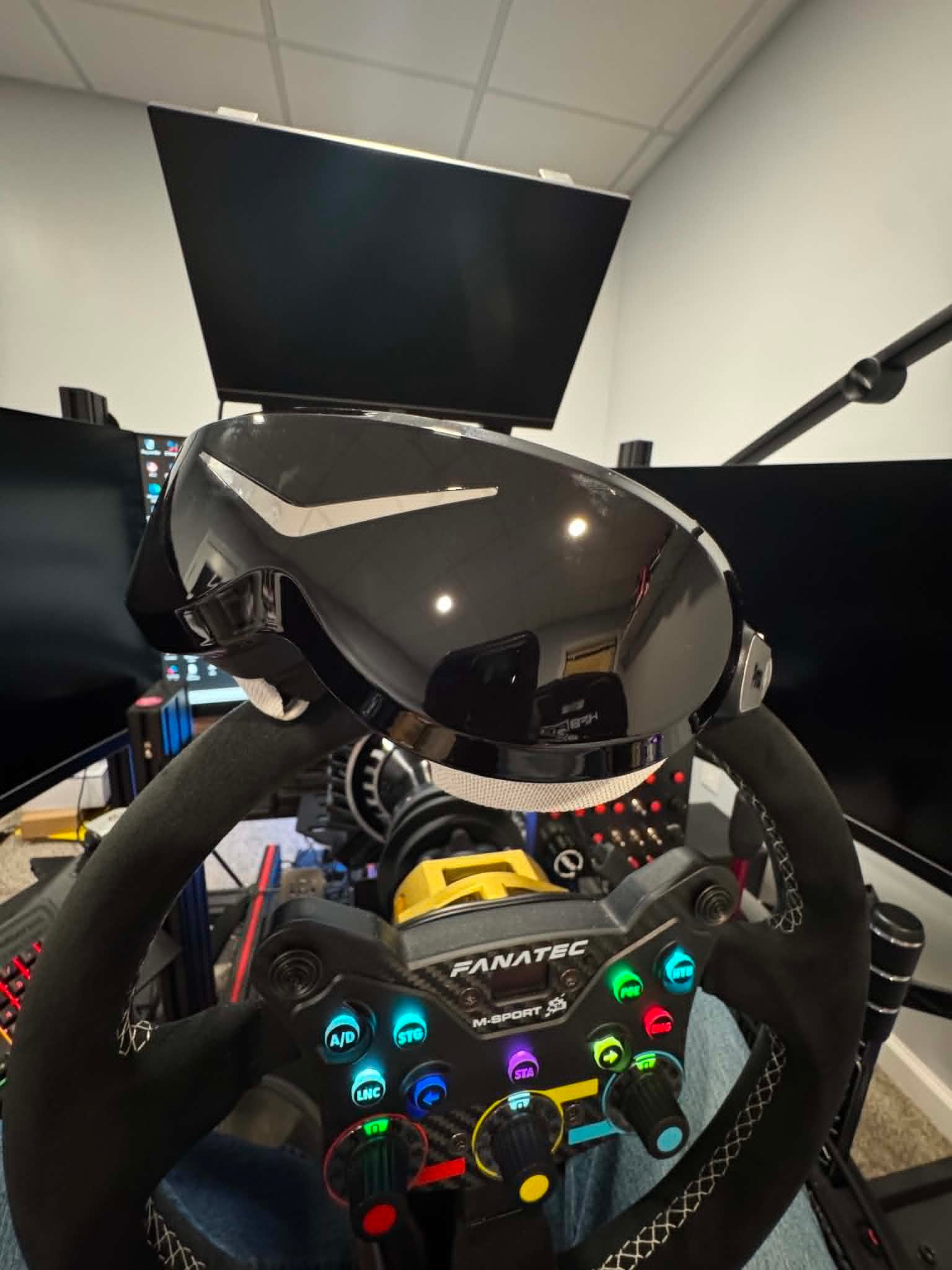
Since getting the Pimax Dream Air, I haven’t wanted to use a monitor for iRacing.
What’s interesting is that I never made a conscious decision to switch completely to VR. It just happened. Every time I sat down to race, I reached for the Dream Air. After a few weeks, I realized the monitor was no longer part of the decision at all.
That surprised me.
For years, VR has offered a level of immersion that monitors simply can’t match. But monitors were usually easier to live with. They were more comfortable for long sessions, you could see your wheel and button boxes, and you didn’t have to wear a headset for hours at a time.
The Dream Air doesn’t eliminate every downside of VR.
What it does do is remove enough of them that I no longer find myself deciding between VR and a monitor. I just race in VR.
To me, that’s far more significant than any spec-sheet upgrade.
The Real Problem With VR Was Never Immersion
VR has always had one major advantage over monitors: depth perception.
You can judge distances more naturally, place your car with greater confidence, and look through corners the same way you would in a real car. It gives you a sense of space that even the best triple-screen setup can’t fully recreate.
The problem was everything else.
Previous generations of headsets often came with compromises. Some lacked clarity in the distance, others had a small sweet spot in the lenses, and many became tiring during longer races. The usual solution was to add bigger displays and better optics, which often resulted in larger and heavier headsets.
That trade-off mattered.
A headset could feel incredible for thirty minutes, then leave you wanting to take it off before the race was over.
What makes the Dream Air stand out is that it tackles both image quality and comfort at the same time.
Why Dream Air Changed It for Me
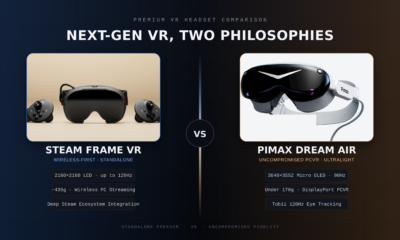
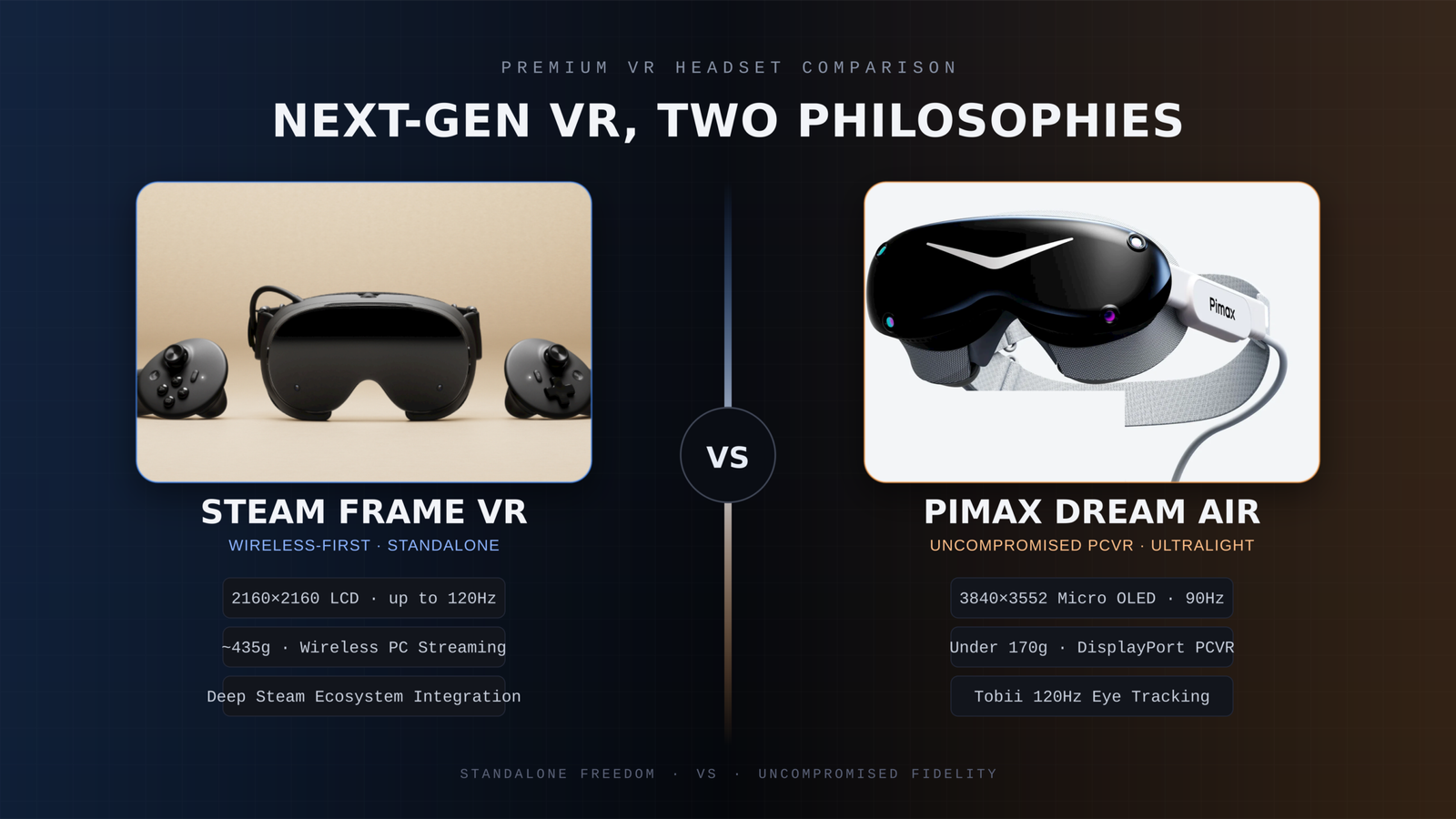
The Dream Air combines Micro OLED displays with a resolution of 3840 × 3552 pixels per eye, eye tracking, automatic IPD adjustment, dynamic foveated rendering, and a DisplayPort connection for PCVR.
Those specifications are impressive, but they’re not what changed my experience.
What I notice every time I use the headset is the combination of clarity and weight.
At roughly 170 grams, the Dream Air feels dramatically different from a traditional high-end VR headset. There’s less pressure on your face, less movement when turning your head, and far less fatigue during long sessions.
The image quality matters just as much.
Distant cars are easier to identify. Braking markers stay clear. Cockpit details remain sharp. Instead of searching for visual information, it simply feels like it’s there.
More importantly, that combination changed my behavior.
I never decided to pause using my triple screen setup. I simply kept choosing the Dream Air every time I launched iRacing.
Why Weight Matters More Than People Think
Weight is one of those specs that’s easy to overlook.
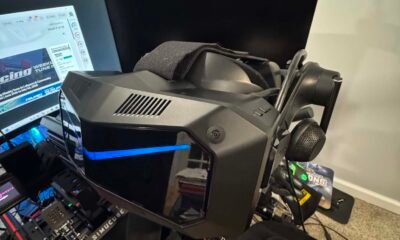
To be clear, I’m not saying headsets like the Pimax Crystal Light or Pimax Crystal Super are uncomfortable. They’re outstanding headsets, particularly when it comes to image quality.
But compared with the Dream Air, they’re significantly larger and heavier, and during a long race that difference becomes increasingly noticeable.
The same applies to headsets like the Quest 3.
Weight may seem insignificant during the first few minutes. After an hour or two of racing, it becomes part of the experience. You’re braking hard, fighting the wheel, moving in the seat, and constantly making small head movements. A heavier headset makes all of those movements feel more noticeable.
A lighter headset doesn’t eliminate every limitation of VR, but it can make long sessions far easier and more enjoyable.
That’s where the Dream Air feels different.
The Crystal Light and Crystal Super focus heavily on delivering exceptional visual performance. The Dream Air takes a different approach by prioritizing a compact, lightweight design while still delivering a premium image.
For sim racing, I’ve come to value that more than I expected.
What About Field of View?
The Dream Air doesn’t have the widest field of view available.
Its horizontal field of view sits at around 110 degrees.
Initially, I expected that to bother me. In practice, it hasn’t.
I actually prefer the balance. The image remains sharp, performance is easier to manage, and I still get the sense of depth and spatial awareness that makes VR so compelling.
For sim racing, a wider field of view is certainly beneficial.
But it isn’t everything.
A larger image means very little if achieving it requires sacrificing clarity or frame rate.
A Headset You Actually Want to Use
The Dream Air SLAM version includes inside-out tracking, eye tracking, dynamic foveated rendering, hand tracking, passthrough, integrated audio, and 6DoF controllers.
Features are important, but convenience is what stands out to me.
Like most PCVR headsets, there’s some initial setup involved. Once that’s done, the experience becomes remarkably simple. I sit down, put on the headset, launch iRacing, and start racing.
Pimax Play helps here as well. Most settings and controls are centralized in one place, so I rarely have to think about the headset itself once everything has been configured.
That may sound like a small thing, but it matters.
If using a headset feels like work every time you want to race, you’ll naturally use it less. The best VR headset isn’t necessarily the one with the most impressive specifications. It’s the one you genuinely want to put on.
Triple Screens Still Have Advantages
Traditional monitors still do some things better.
You can see your wheel, keyboard, button boxes, and other hardware. Managing Discord, desktop applications, race management tools, and quick adjustments is often easier on a monitor setup.
VR also demands a capable PC if you want high resolution and consistent performance.
So this isn’t a story about monitors suddenly becoming obsolete.
It’s about the reasons for going back to them becoming less convincing.
Who Is Dream Air For?
The Dream Air makes the most sense for people who love the idea of VR but have always disliked the compromises.
Maybe your previous headset felt too heavy.
Maybe image clarity wasn’t where you wanted it to be.
Maybe you liked the lightweight approach of something like the Bigscreen Beyond but wanted more built-in functionality.
That’s where the Dream Air becomes genuinely interesting.
It isn’t just about adding more features or better specifications. It’s about removing enough friction that VR stops feeling like something you occasionally use for special occasions.
Instead, it becomes your default way to race.
This post contains affiliate links. If you purchase through them, I may earn a commission at no extra cost to you.
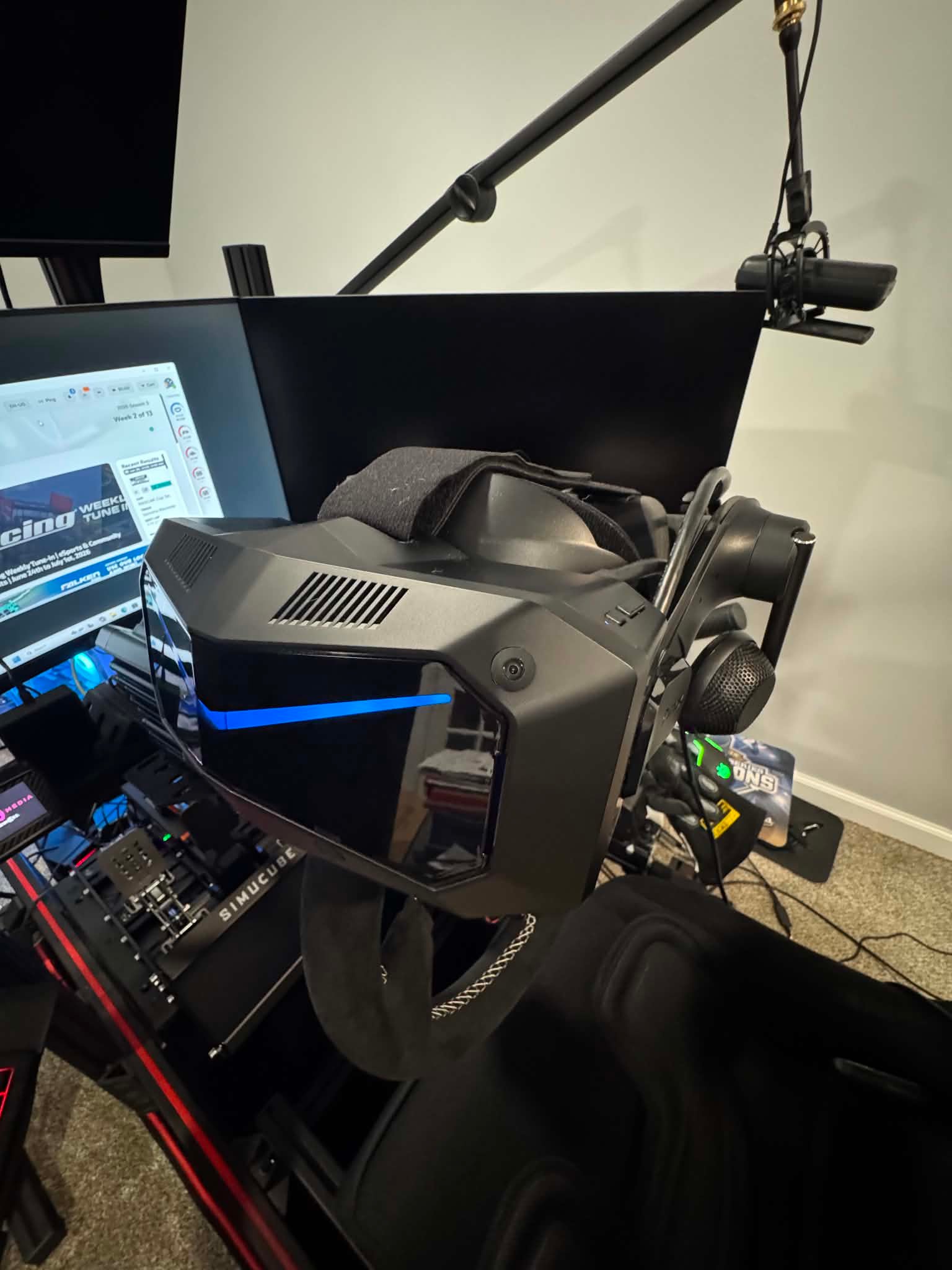
When upgrading a sim racing setup, choosing the right VR headset is only part of the decision. Knowing whether the headset you want is actually in stock and ready to ship can matter just as much, especially when you are planning the rest of a new racing rig around it.
Pimax has now launched a new Shipping Status page where buyers can check regional stock, estimated fulfillment times, shipping costs and tax information before placing an order.
The page is updated weekly, making it easier to check the latest situation in your region rather than relying on a general shipping estimate.
Check the exact headset you want before ordering
The page covers Pimax’s current PCVR lineup, including the Crystal Light, Crystal Super series and Dream Air.
Importantly, availability is shown by individual configuration. For the Crystal Super, for example, the 50PPD, 57PPD, Ultrawide and 8K OLED versions are listed separately.
That is useful for sim racers because these models offer very different approaches to VR racing. Whether you are prioritizing maximum clarity, a wider field of view or a lighter headset for longer sessions, you can check whether the exact version you want is currently available in your market.
When a product is available in regional inventory, Pimax currently estimates fulfillment within 3 to 5 business days after payment.
Actual delivery time will still depend on your location and local carrier.
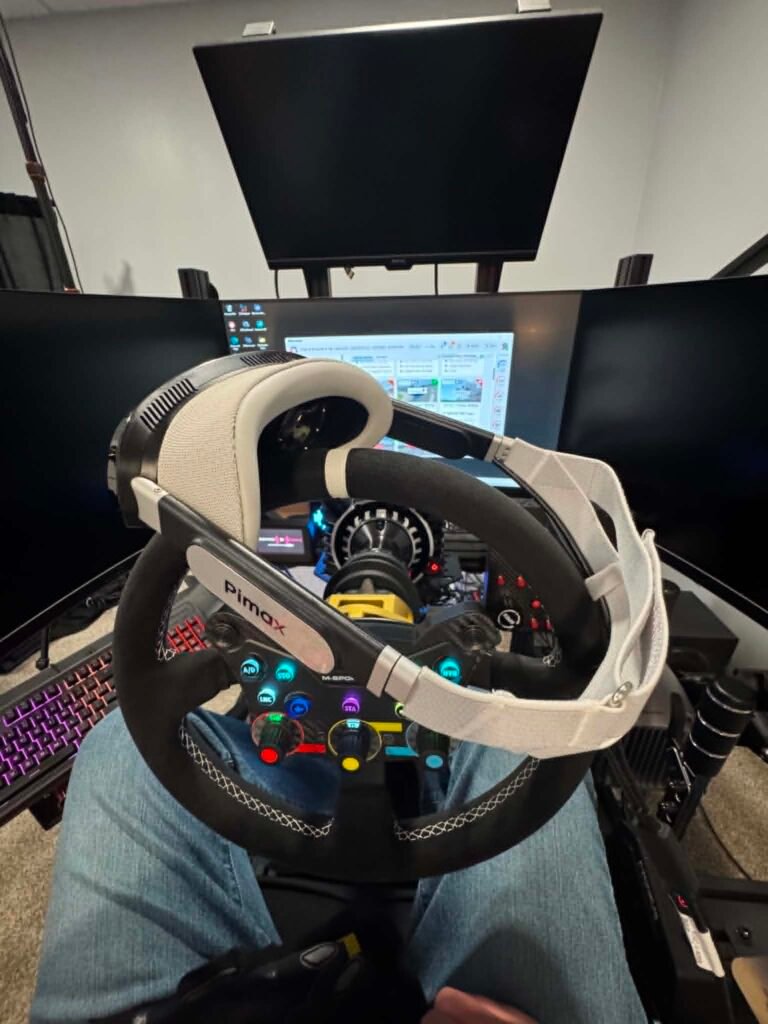
[Insert Image 2: Pimax headset or Crystal Super shown in a sim racing / iRacing setup]
Which warehouse your order ships from
Pimax also shows which warehouse serves each supported region.
Major markets including the United States, Canada, the UK, Australia, Japan, Mexico and the European Union are supported by local or nearby warehouses, while some other regions continue to be fulfilled from China.
This gives sim racers a better idea of where their headset will ship from and why delivery times may differ between markets.
Shipping fees and taxes
Shipping fees and tax handling are also listed by region, giving buyers a clearer picture of the total cost before reaching checkout.
For anyone planning to move into VR for iRacing, upgrade from an existing headset, or build a new dedicated racing cockpit, the new page makes it easier to plan the purchase before ordering.
Check the latest Pimax stock and shipping information here:
https://pimax.com/pages/shipping-status?ref=sksimracing
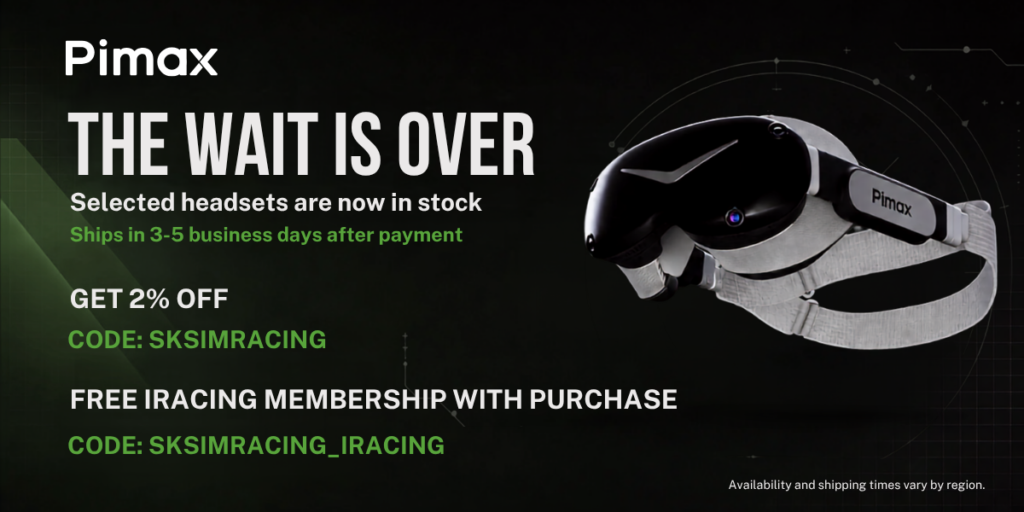
An extra iRacing bonus for SKSimRacing readers
There is also an additional offer aimed specifically at sim racers.
With a qualifying Pimax purchase, use code SKSIMRACING_IRACING to receive a free 12-month iRacing membership.
The offer is available to both new and existing iRacing users, making it useful whether you are just getting started or already racing regularly.
For the standard Pimax discount, SKSimRacing readers can also use code SKSIMRACING for 2% off eligible Pimax products.
Affiliate Disclosure: This article contains affiliate links. If you purchase through these links, SKSimRacing may earn a commission at no additional cost to you. Those commissions help support the reviews, testing, and content I create here on SKSimRacing.
-
 Featured4 years ago
Rev Up Your Sim Racing Experience with SK Sim Racing: Discover High-Quality Sim Wheels, Pedals, Shifters & More – Exclusive Discounts and Offers Await!
-
 Products4 years ago
Boost Your Sim Racing Experience with Exclusive Deals from Fanatec, Digital-Motorsports, Demon-Tweeks, Ricmotech & Trak Racer
-
 Featured5 years ago
Rev Up with The Oval Wheel: Unleash the Thrill of Racing
-
 Featured3 years ago
Fanatec Sim Racing Wheel Ultimate Buyer’s Guide 2024-2025
-
 Sim Racing3 years ago
Experience the Thrill of Virtual Racing: Unlocking the Exciting World of Sim Racing and Beyond!
-
 Featured6 years ago
New Rig Build
-
 Featured6 years ago
Fanatec CSL Elite Steering Wheel McLaren GT3 V2
-
 Products6 years ago
Sim Racing Gloves