

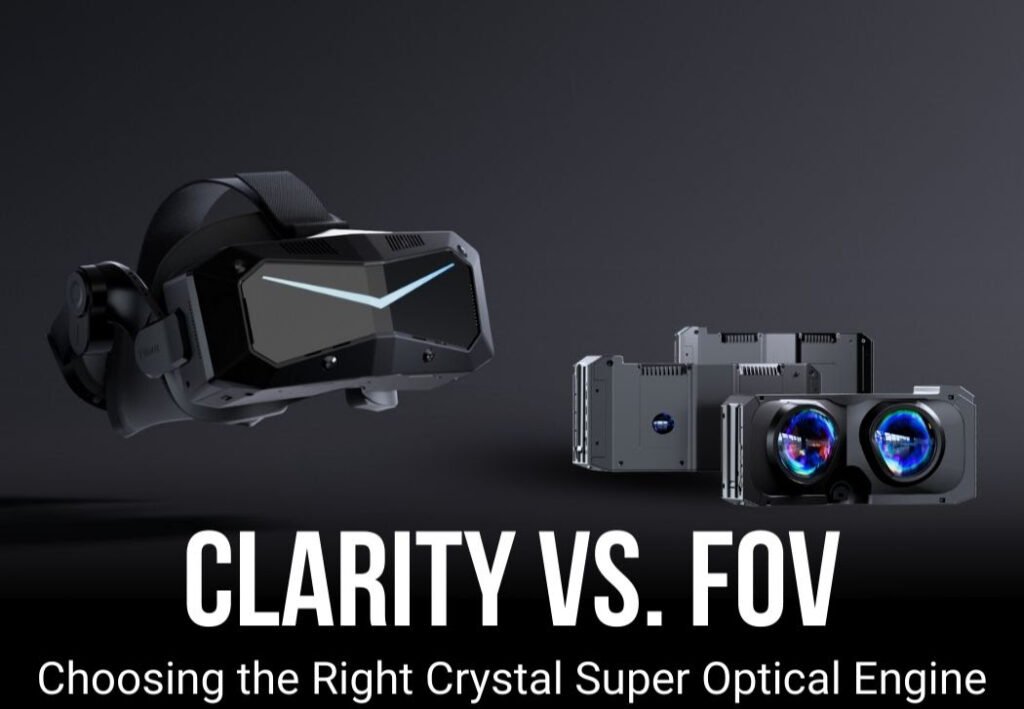
Clarity or Field of View: What Actually Matters for Your VR Experience?
If you spend any time in VR communities, you’ve seen the debate.
“Do you prefer more clarity or more field of view?”
It’s a simple question with surprisingly divided answers. Some users swear that wide FOV is the single biggest upgrade VR can offer—once they experienced it, older headsets felt like looking through a letterbox. Others argue the opposite: if the image isn’t sharp, if text is unreadable, if distant details shimmer or blur, immersion collapses no matter how wide the view is.
Both sides are right. And that’s exactly why this discussion matters.
There is no universal “best” choice. What matters is how you play, what breaks immersion for you, and where you are willing to compromise.
This article breaks down how clarity and FOV actually affect gameplay, then uses real scenarios—not abstract specs—to help you choose the right Crystal Super optical engine for your style of VR.
If you decide to upgrade, you can support SKSimRacing and save money by using this link: https://pimax.com/?ref=sksimracing
And don’t forget to enter code sksimracing at checkout for an additional 3% off.

Clarity vs FOV: A Quick Reality Check
✅ Clarity (PPD)
Clarity in VR is defined by Pixels Per Degree (PPD)—how many pixels are packed into each degree of your view. Higher PPD means:
- Sharper text
- Less shimmering
- More readable instruments
- Better distant detail
- Less need to lean forward
✅ Field of View (FOV)
FOV determines how much of the virtual world you can see at once. Wider FOV improves:
- Peripheral awareness
- Speed perception
- Spatial understanding
- Natural head movement
- Overall presence
✅ The Trade-Off
With current display tech, you can’t push both to the max.
Wider FOV spreads pixels over a larger area, reducing PPD unless resolution skyrockets.
This is why clarity vs FOV isn’t a preference slider—it’s a fundamental optical design decision.
And this is exactly where the Crystal Super lineup becomes interesting: instead of forcing one compromise on everyone, it lets you choose the version of VR that fits your priorities.

Why This Question Matters in Real Games
Different genres punish different weaknesses. Here’s where the trade-offs become obvious.
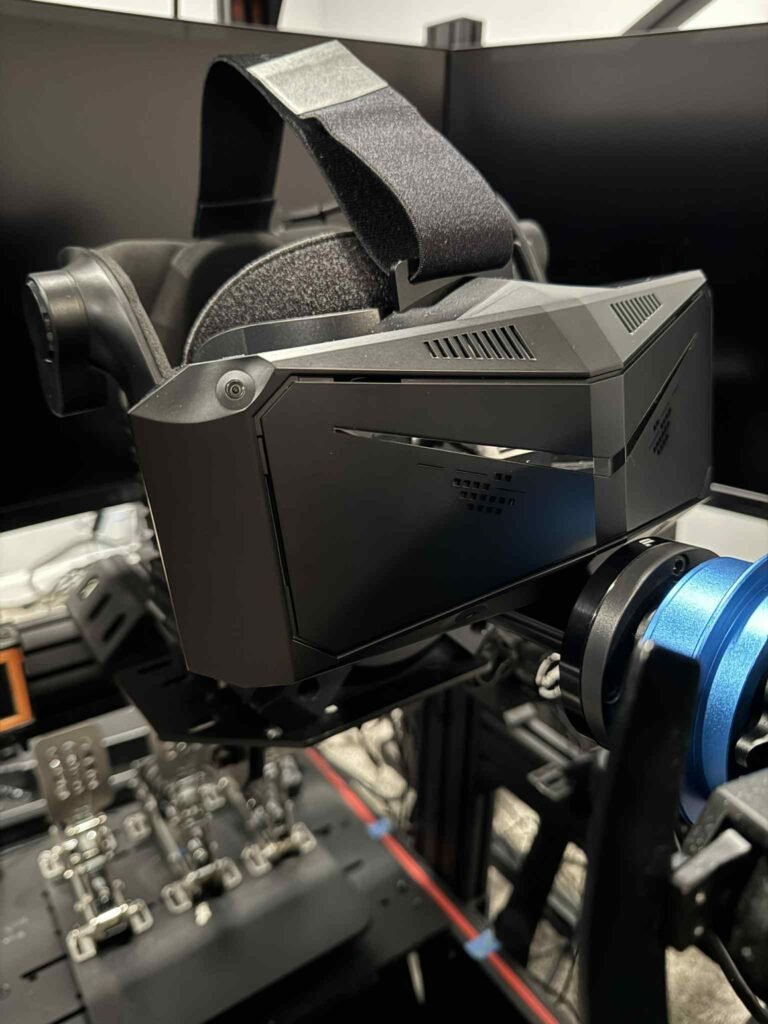
🎯 Simulation-Heavy Titles (MSFS, DCS, iRacing, ACC)
These games rely on clarity for basic usability:
- Reading cockpit labels
- Spotting distant aircraft
- Identifying brake markers
- Seeing track detail at speed
Below a certain clarity threshold, the experience feels compromised—even if the FOV is wide.
🏎️ Fast-Paced Games (racing, air combat, open-world exploration)
These benefit more from FOV:
- Better corner anticipation
- More natural speed perception
- Improved situational awareness
- Reduced head movement
A narrow but sharp image can feel restrictive here.
✅ The Turning Point
Most users describe a moment where:
- Clarity becomes “good enough,” and extra sharpness adds little
- FOV reaches a threshold where immersion jumps dramatically
The real question isn’t which is better, but:
Which limitation bothers you more in the games you actually play?
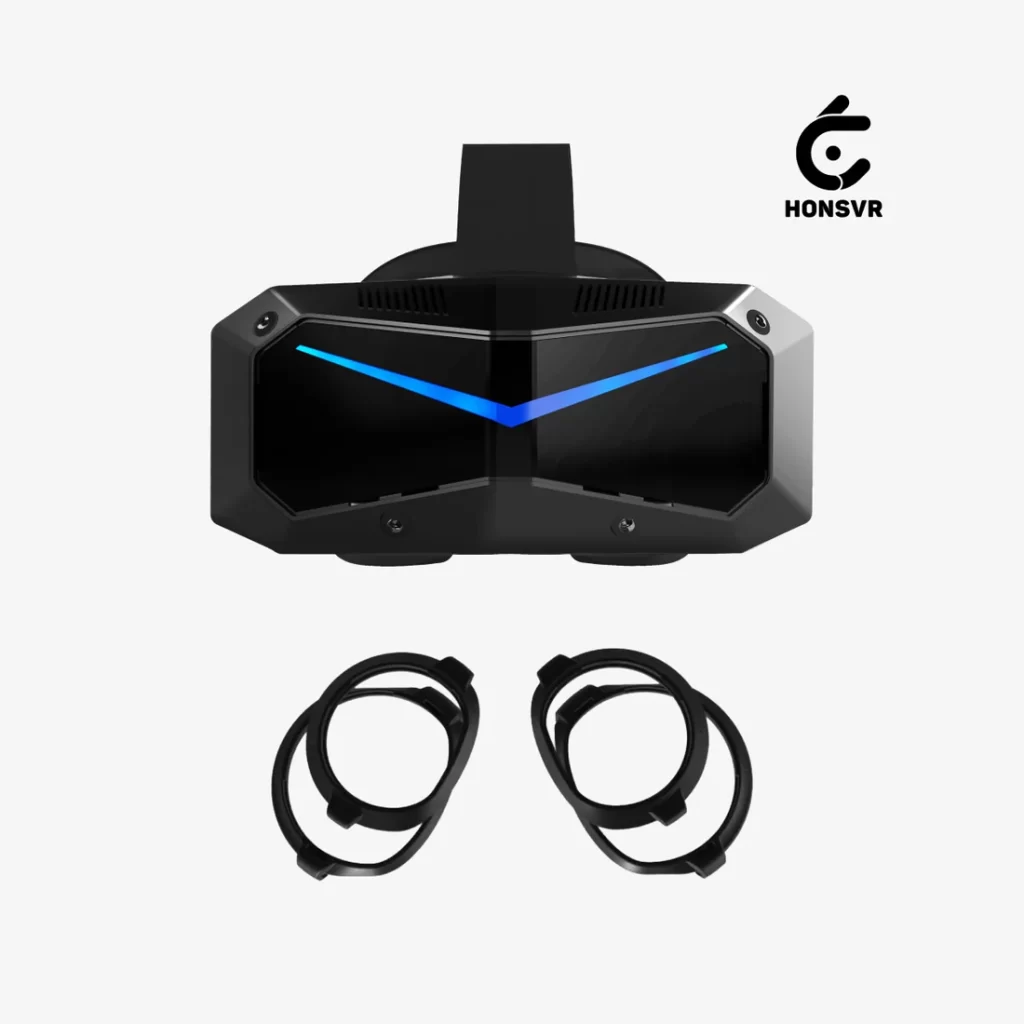
Crystal Super: Turning Trade-Offs Into Actual Choices
Most VR headsets lock you into one optical compromise.
Crystal Super does the opposite.
With multiple optical engines, you choose how the clarity–FOV trade-off is expressed.
Here’s what each option actually feels like in real gameplay.
Crystal Super 57 PPD QLED — When Detail Is the Experience
This isn’t just “sharper.” It changes how you interact with VR.
✅ Perfect for:
- Flight sim pilots
- Space sim players
- Sim racers who rely on distant detail
- Users with high visual acuity
- Gamers without a flagship GPU who still want max clarity
✅ What it delivers:
- Cockpit labels readable at a glance
- No more leaning to read MFDs or FMCs
- Distant objects stay identifiable
- Brake markers and track texture remain crisp at speed
⚠️ Trade-off:
FOV is reduced to 106° to achieve this clarity.
Peripheral vision is still good—but clarity is the star of the show.
Crystal Super 50 PPD QLED — The Balanced All‑Rounder
This is the “set it and forget it” option for most users.
✅ Perfect for:
- Mixed‑content players
- Sim racers who want clarity and comfort
- Long VR sessions
- Users who don’t want extremes
✅ What it delivers:
- High clarity without chasing perfection
- Strong stereo overlap
- Comfortable FOV
- Excellent depth perception
⚠️ Trade-off:
You don’t get the widest FOV or the sharpest clarity—but you get the best overall balance.

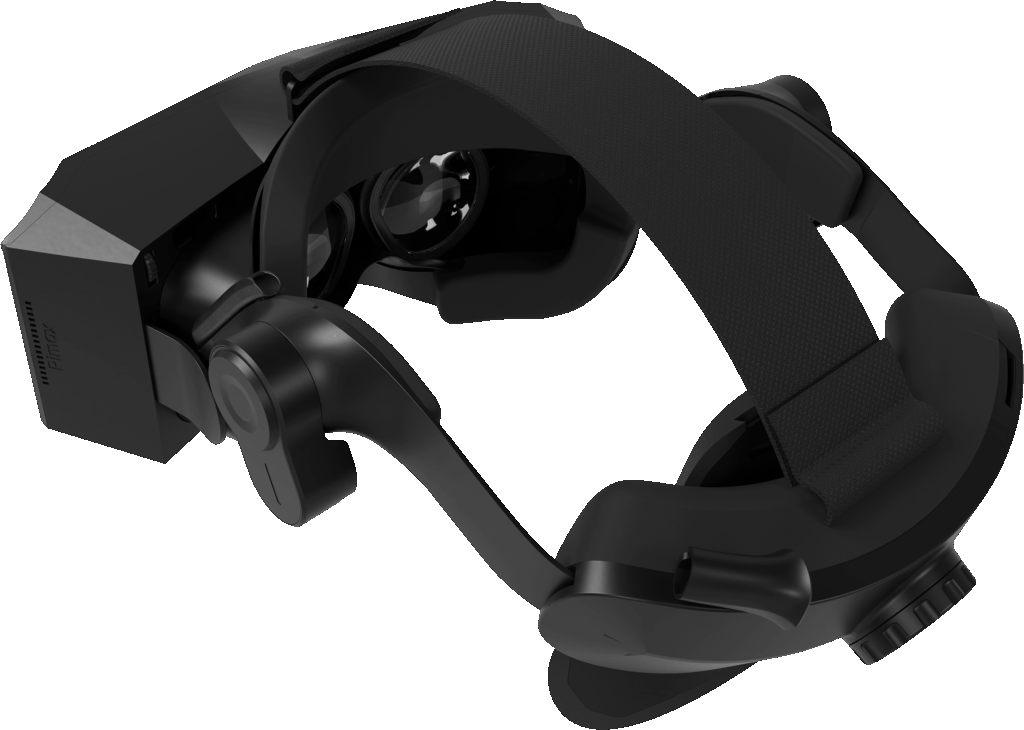
Crystal Super Ultrawide QLED — Immersion Through Peripheral Vision
This is for users who want VR to feel open.
✅ Perfect for:
- Racing
- Air combat
- Fast-paced games
- Anyone who loved wide-FOV headsets like Pimax 8K
✅ What it delivers:
- 140° horizontal FOV
- Better corner anticipation
- More natural speed perception
- Less head movement
- Strong sense of presence
⚠️ Trade-offs:
- Reduced stereo overlap vs 50 PPD
- Lower clarity vs 57 PPD
If you value openness over pixel density, this is your engine.
Crystal Super Sony Micro‑OLED — Image Purity and Visual Depth
This option is about image character, not raw numbers.
✅ Perfect for:
- Narrative games
- Dark environments
- Users who love OLED contrast
- Comfort-focused players
✅ What it delivers:
- True blacks
- Exceptional contrast
- Rich, dense colors
- A lighter, more compact headset
⚠️ Trade-off:
FOV is more restrained, and it doesn’t chase max clarity or width.
It’s about visual elegance, not extremes.
Which Crystal Super Engine Should You Choose?
Here’s the simplest breakdown:
✅ Choose 57 PPD
If clarity is your top priority and blur breaks immersion.
✅ Choose Ultrawide
If peripheral vision defines immersion for you.
✅ Choose 50 PPD
If you want the best all‑around experience across all genres.
✅ Choose Micro‑OLED
If you value contrast, comfort, and cinematic image quality.
Crystal Super works because it acknowledges something the VR industry often ignores:
Immersion is subjective.
There is no single “best” optical engine—only the one that feels right when you put it on.
If you decide to upgrade, you can support SKSimRacing and save money by using this link:
👉 https://pimax.com/?ref=sksimracing
And enter code sksimracing at checkout for an extra 3% off.
Upgrade Rewards: Turn Your Old Headset Into New Value
Pimax is offering a special upgrade campaign for users who previously owned:
- Valve Index
- HP Reverb G2
- Oculus Rift S
- Quest series
- Or any other major VR headset
✅ Crystal Light:
Up to $100 off your upgrade.
✅ Crystal Super:
A premium gift bundle including:
- Pimax DMAS audio solution ($99 value)
- Free prescription lenses by honsvr (up to $159.90 value)
No need to send in your old headset—just submit proof of purchase and claim your reward.
Upgrade here with SKSimRacing’s link: https://pimax.com/?ref=sksimracing
Use code sksimracing for an additional 3% discount.
💡 Pimax Discount Code
Use SKSIMRACING at checkout to save on any Pimax VR headset.