

Affiliate Disclosure: This article contains affiliate links. If you purchase through my link, I may earn a small commission at no additional cost to you. Check out the Pimax Crystal Light here.
Why the Pimax Crystal Light Caught My Attention
When Pimax announced the Crystal Light VR headset, I was immediately curious about how it would perform in sim racing. As someone who spends a lot of time in iRacing, I’ve relied heavily on triple screen setups, but I’ve always wondered whether VR could deliver a deeper sense of immersion.
This past week, I received a Pimax Crystal Light on loan from Pimax to test and review specifically in iRacing. After about 1.5 hours of track time, here are my honest first impressions of how it stacks up as a VR headset for sim racing.

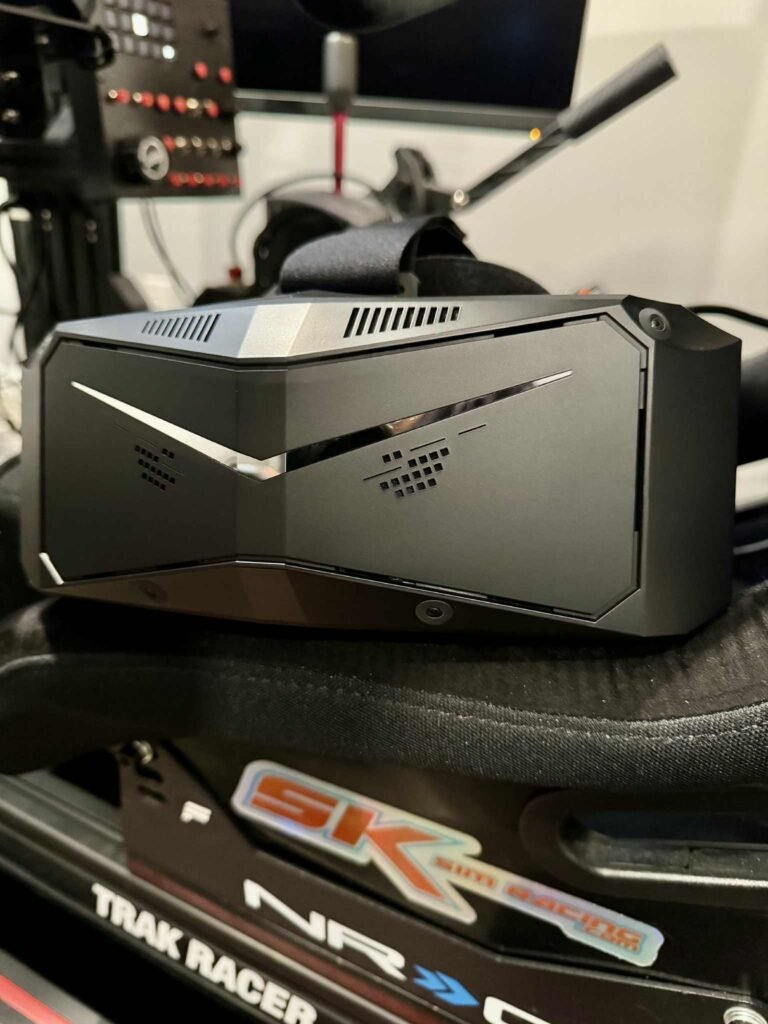
Setup Experience: Solving the First Hurdle
Getting the Pimax Crystal Light running wasn’t entirely plug-and-play. Initially, the headset refused to connect. After a bit of troubleshooting, I discovered the issue: my RTX 3090 GPU was struggling with all three triple monitors still plugged in via DisplayPort.
The fix was simple but essential: I disconnected the triples and connected just one monitor via HDMI. With that solved, the headset powered on, updated its firmware, and launched the Pimax Play software without further issues.

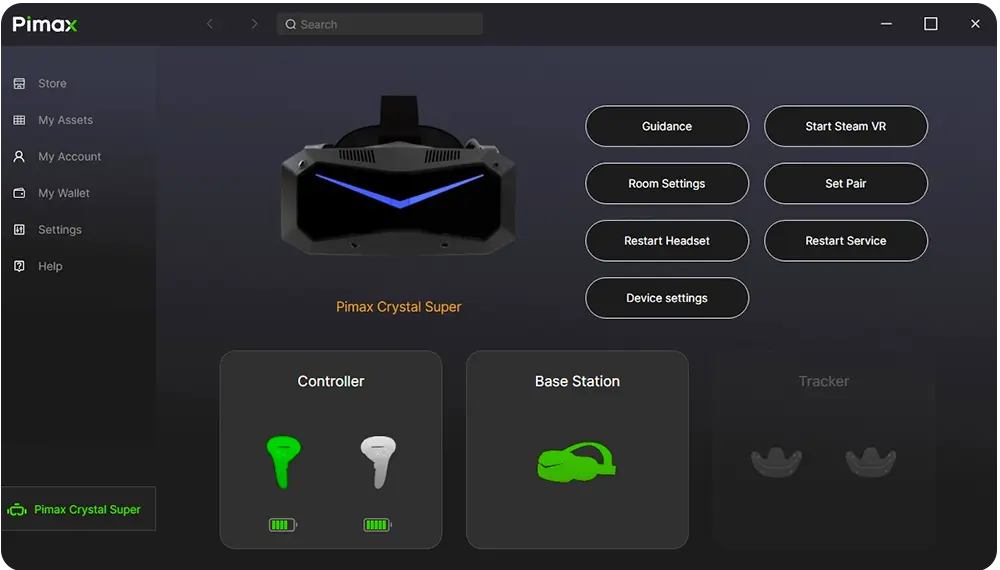
Once I ran through the room setup calibration and adjusted the tracking, I was race-ready. For anyone considering this headset, I’d recommend budgeting 20–30 minutes for setup on day one—especially if you’re running a multi-monitor rig.
First Laps in iRacing: NASCAR at New Hampshire
My first test drive was in the NASCAR Next Gen Cup Car at New Hampshire Motor Speedway—a track I know well from triple screen racing. The difference with the Pimax Crystal Light was immediately clear:
- The cockpit perspective felt more natural, as if I was actually seated in the car rather than behind a monitor.
- I could see over the hood and judge corner entry and exit points more accurately.
- My overall spatial awareness improved, especially when racing side-by-side.
This is where VR shines in sim racing. The Pimax Crystal Light transforms iRacing into a more immersive, lifelike experience, making it easier to trust your instincts and positioning on track.
Visual Clarity and Adjustments
Out of the box, the visuals were sharp, but a few tweaks made them even better. Adjusting the IPD (interpupillary distance) helped eliminate most of the blur and glare that can sometimes affect in-car menus in VR.
After fine-tuning, the in-car HUD and overlays were much easier to read. That’s a big win for longer races where you’re constantly glancing at fuel, lap times, and relative standings.


Early Verdict: A Strong Start for the Pimax Crystal Light
So far, my Pimax Crystal Light review in iRacing is very positive. The setup process required a bit of patience, but once configured, the headset delivered an impressive combination of clarity and immersion.
Compared to triples, the sense of being in the car is unmatched. If you’re a sim racer looking for the best VR headset for iRacing, the Crystal Light makes a compelling case.
I’ll continue logging more hours across different cars and tracks to see how it performs in endurance racing and other demanding scenarios, but my first impressions left me impressed.
Special Offer: Pimax PCVR Upgrade Event 2025
Right now, Pimax is running a major campaign throughout 2025: the PCVR Upgrade Event. This event has already received strong community feedback and gives sim racers an opportunity to upgrade at a discount.
If you decide to grab the Crystal Light, don’t forget to use my discount code: sksimracing during the PCVR Upgrade Event to save even more on your purchase.
👉 Ready to try it for yourself? Check out the Pimax Crystal Light here.

